


Custom diamond painting designer
Design a diamond painting chart from a blank grid: set drills wide and tall, paint DMC-coded colors, and get a printable key with counts.
Pick a color, then click or drag on the grid. Fill paints a whole area; Ctrl+Z undoes.
Materials
| # | Color | Code | Name | Count |
|---|
Matching uses CIEDE2000 (ΔE00). Screen swatches are still approximate — check close shades against real beads, floss, or drills.
Step-by-step manual for this tool
Default ~60×60, DMC drills or full DMC, gallery remap, export and pitfalls.
Diamond painting designer guide
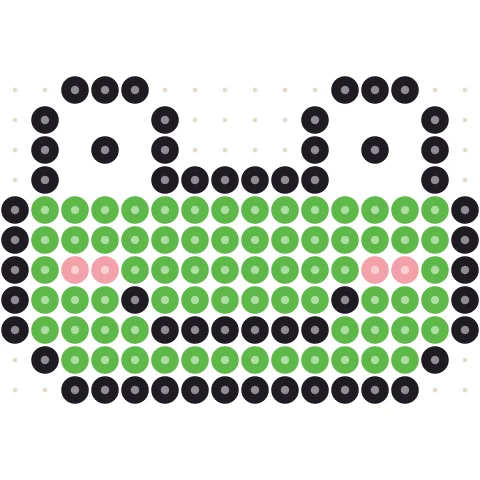
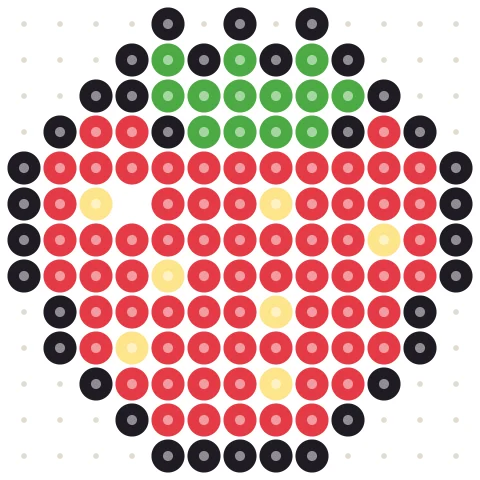
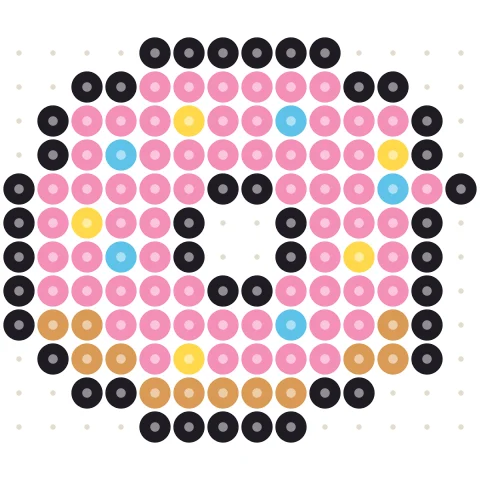
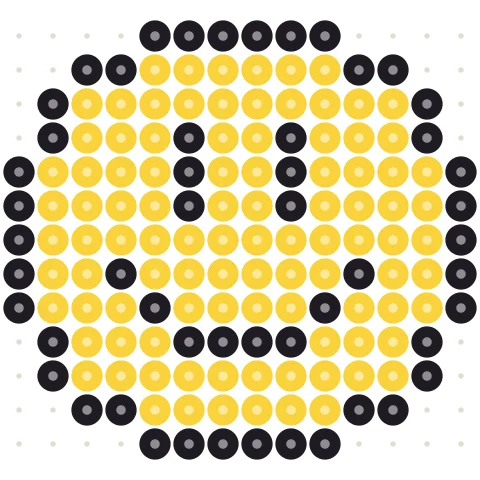
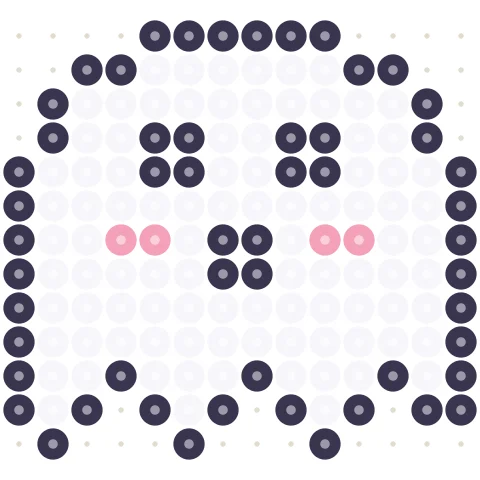
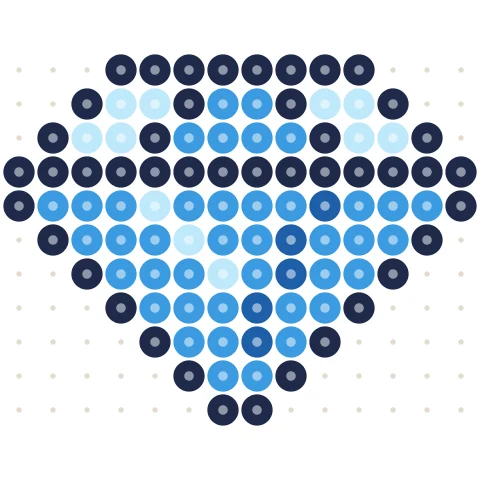
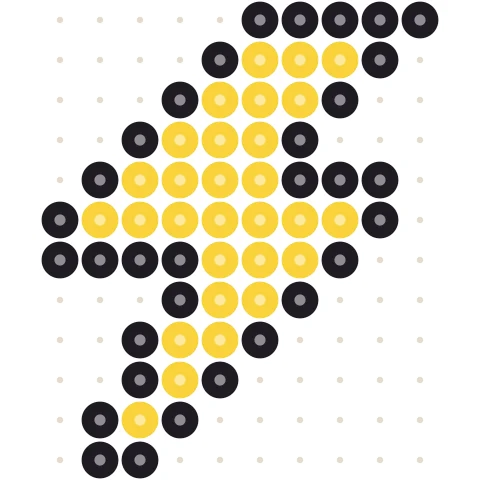
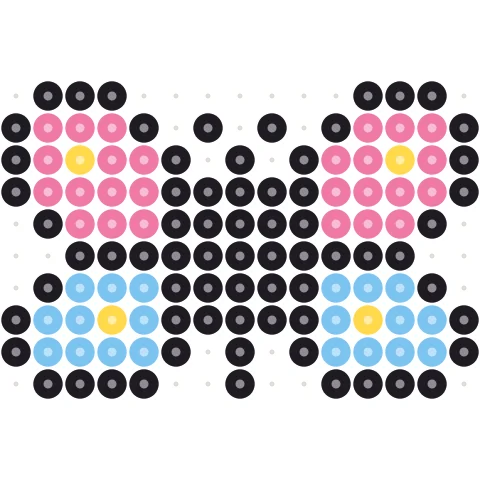
Start from a template
Click a pattern to load it into the designer above, then change anything you like.
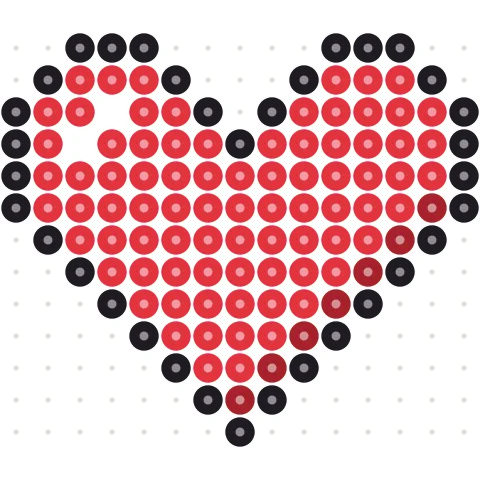
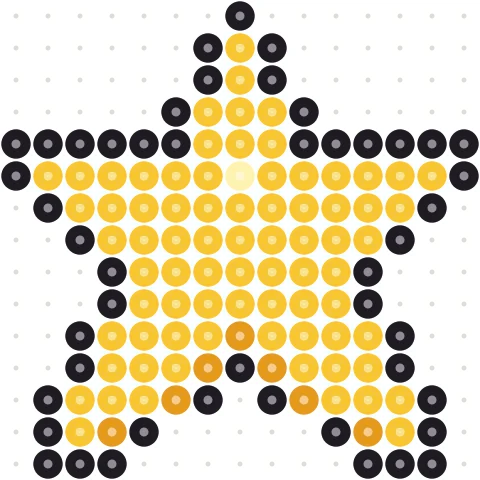
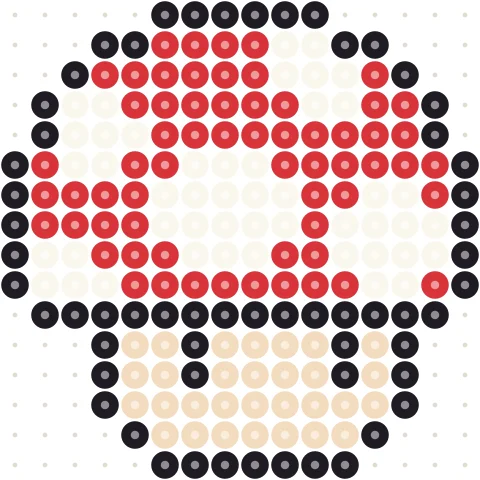
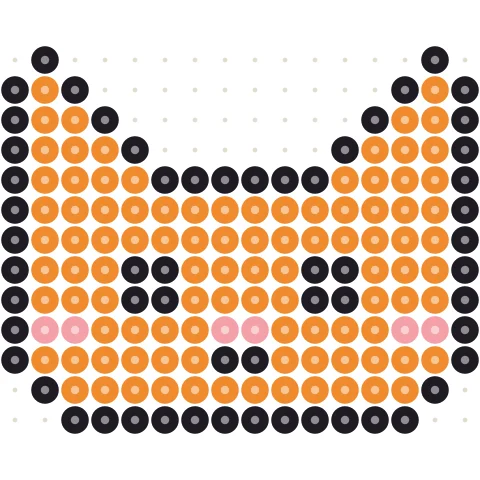
Design a diamond painting chart in three steps
-
Size the canvas
Set drills wide and tall. 60 × 60 works well for a first piece.
-
Paint drill colors
Pick shades from the DMC drill palette and paint cell by cell.
-
Print and place
Bag drills using the materials list, then print the chart.
Plan every bag before you order drills
DMC-coded palette
Paint with shoppable drill numbers.
Drill totals
See how many drills of each code you need.
Resize any time
Change width or height without losing the design.
Print it
Print the chart and the color key.
Start from a photo
Use the <a href="/diamond-painting-pattern-maker/">diamond painting pattern maker</a>.
Prefer floss?
Open the <a href="/cross-stitch-designer/">cross stitch designer</a>.
Designing diamond painting charts
Each square is one drill. Designing on a grid first keeps placement pleasant and bag counts honest.
Prefer a photo? Use the pattern maker.
Diamond painting designer questions
How do I design a diamond painting chart?
Blank default is about 60×60 drills (width max 300). Paint with DMC-coded drills (~154) or full DMC; Materials shows drills per code.
Can I start from a photo?
Yes — the pattern maker converts with CIEDE2000, then Edit here.
Can I load a gallery pattern?
Yes. Detail pages offer “as diamond painting”; colors remap with CIEDE2000 onto the drill palette.
Where is the full how-to?
See the designer guide and photo maker guide.
Is it free?
Yes, free with no account.
More free pattern makers
Diamond Painting Pattern Maker
Custom diamond painting chart from a photo with DMC-coded drill counts.
Cross stitchCross Stitch Calculator
Finished size and fabric to buy for any Aida or evenweave count.
Cross stitchCross Stitch Pattern Maker
Photo to counted cross stitch chart with DMC floss codes and stitch counts.
Cross stitchCross Stitch Designer
Draw a counted cross stitch chart stitch by stitch in DMC floss colors.
BeadsPerler Bead Pattern Maker
Photo to Perler, Hama, Artkal, MARD (185/221/291), Nabbi or Beadles minis — with bead counts.
Pixel artPixel Art Converter
Turn any image into pixel art with a grid, color limits and dithering.