
Free Perler Bead Pattern Maker
Upload a picture and get a bead-by-bead pattern matched to real Perler, Hama, Artkal, MARD or Nabbi colors, with a shopping list and pages that print one pegboard at a time.
Pick a color in the list below, then paint or fill on the pattern.
Materials
| # | Color | Code | Name | Count |
|---|
Screen colors are approximate. Check tricky shades against your real beads or yarn.
From picture to ironed bead art in three steps
-
Upload a picture
Drop in a photo, a drawing or existing pixel art. Small pixel art is detected automatically and kept one bead per pixel.
-
Pick size and colors
Choose your brand, how many pegboards wide the design should be and the maximum number of bead colors you want to buy.
-
Print and iron
Print the pattern one pegboard per page, place the beads, cover with ironing paper and iron on medium heat until the beads fuse.
Built for real pegboards, not just pretty previews
715 real bead colors
Perler (103), Hama Midi (92), Artkal S (199), MARD (291) and Nabbi (30). Each cell gets the closest real bead, and small details like eyes keep their own color when you limit the palette.
Pegboard lines and pages
Red lines show where one 29 × 29 board ends and the next begins. Printing splits large designs into one page per board, with row and column numbers.
Exact bead counts
The materials list counts every bead by color code, so you know what to buy. Download it as a CSV to take to the store.
Background removal
A plain background around your subject is detected and left empty, so you do not waste beads on it.
Edit bead by bead
Paint, fill, erase or pick colors right on the pattern, with unlimited undo. Fix stray beads before you print.
Nothing is uploaded
Your picture is processed inside your browser. It never leaves your device and there is no account to create.
Free Perler bead patterns
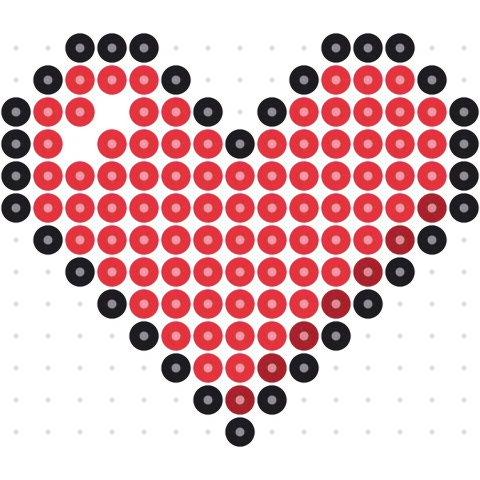
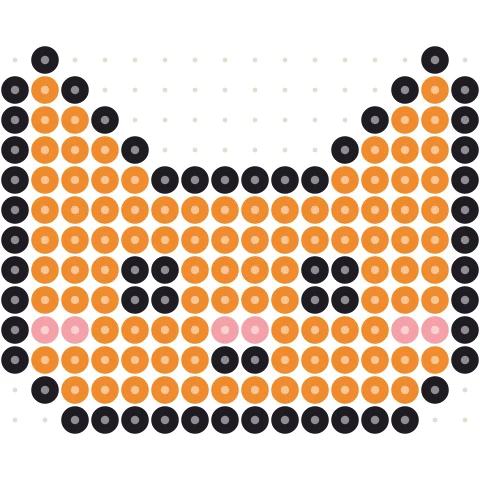
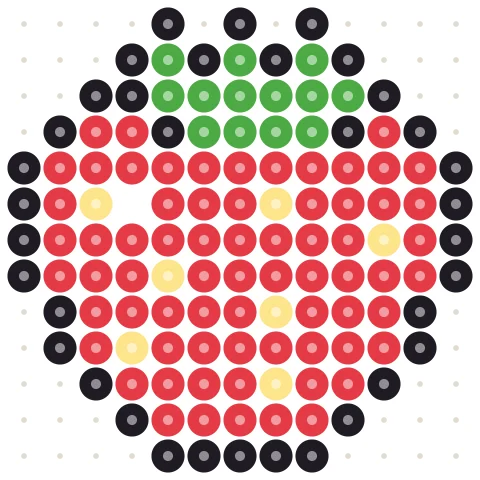
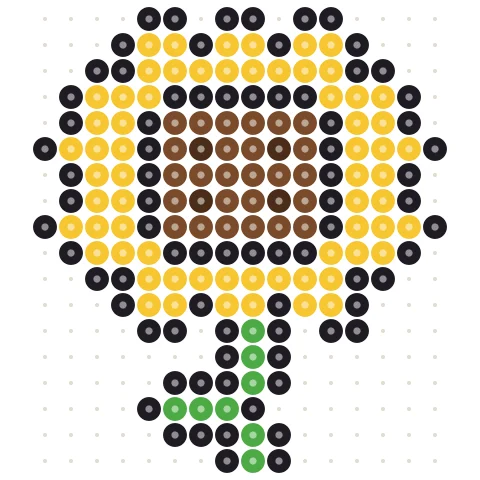
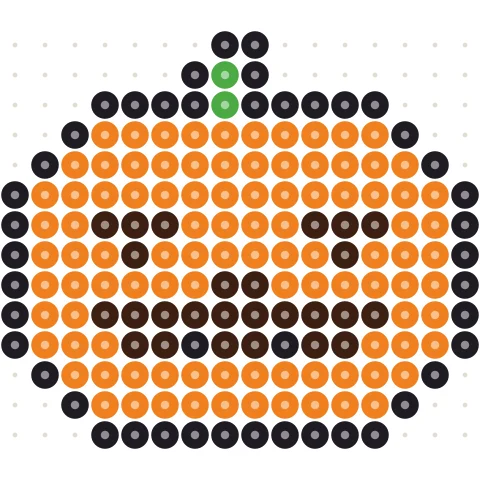
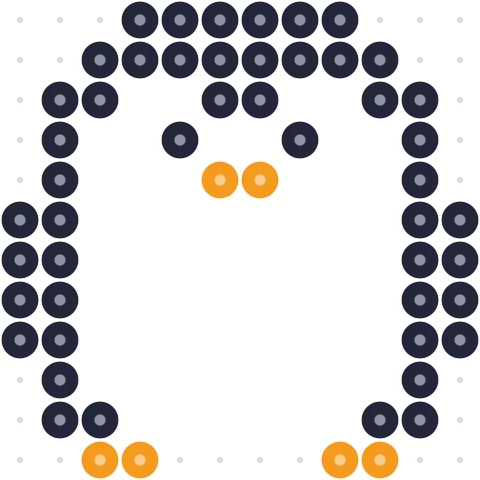
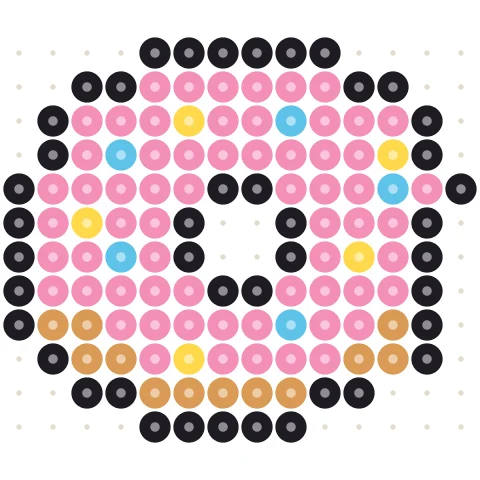
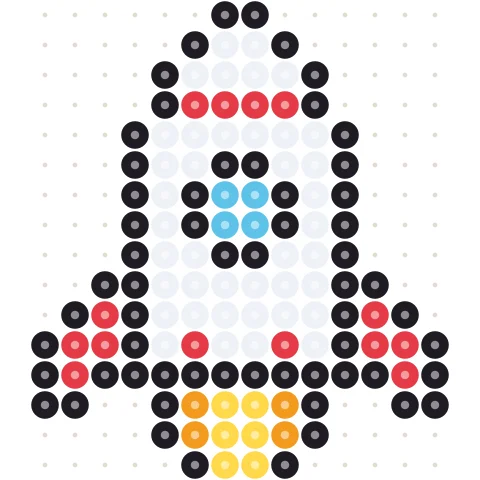
205 original designs that each fit one pegboard, with bead-by-bead charts and color codes for Perler, Hama, Artkal and MARD. Print them, or open any pattern in the maker to change colors and size.
How to get a great bead pattern from a photo
Fuse beads (Perler, Hama, Artkal and MARD are the big brands) are 5 mm plastic tubes that you place on a pegboard and iron together. A standard large square pegboard holds 29 × 29 beads, about 14.5 cm or 5.7 inches across, so the width presets above are one, two and three boards wide.
Choose the right size
One board (29 beads) is perfect for icons, game sprites and simple characters. Faces, pets and photos need at least two boards (58 beads) to stay recognizable; three boards (87 beads) shows real detail but takes an evening or two to place. If you start from existing pixel art, the tool keeps one bead per pixel so nothing gets blurred.
Fewer colors, cleaner pattern
Photos contain thousands of shades; a bead box has a few dozen. Start with 10–15 colors. If the pattern looks speckled, lower the color count, keep Clean up stray pixels on, and leave dithering off. Turn dithering on only for skies, skin and other smooth gradients.
Which brand should I pick?
All five brands use the same 5 mm size and fit the same pegboards, so pick the one you own. MARD is the most common brand in China and offers 291 colors, which helps with photo portraits. Perler is the default in North America and Hama in Europe. Colors are matched to measured reference values from the open-source beadcolors project, so they are close but not perfect: check similar shades against your real beads.
Ironing tips
Cover the beads with ironing paper, use medium heat and move the iron in slow circles for 10–20 seconds until the holes start to close. Let it cool under a heavy book so it stays flat, then flip it and iron the back lightly. Want to build in a game instead? Try the Minecraft pixel art generator.
Perler bead pattern maker questions
How do I make a Perler bead pattern from a photo?
Upload the photo above, choose your bead brand, a width in pegboards and a maximum number of colors. The pattern updates instantly. Then press Print / Save PDF to get one page per pegboard plus a bead shopping list.
Which bead brands are supported?
Perler (103 colors), Hama Midi (92), Artkal S 5 mm (199), MARD (291) and Nabbi (30). They all use 5 mm beads on the same pegboards, so you can switch brands at any time.
How big is one pegboard?
A large square pegboard holds 29 × 29 beads, about 14.5 cm (5.7 in) per side. The red lines in the pattern show where each board ends.
How many colors should I use?
Start with 10–15. Fewer colors give bigger, cleaner areas and a shorter shopping list. Portraits and photos may need 20–30, especially with MARD or Artkal.
Why does my pattern look noisy?
Photos with low contrast or busy backgrounds produce scattered single beads. Lower the color count, keep Clean up stray pixels on, crop closer to your subject and turn dithering off.
Can I edit the pattern after it is generated?
Yes. Choose a color in the materials list, then use Paint, Fill or Erase on the pattern. Undo and redo work with Ctrl+Z and Ctrl+Y. The bead counts update as you edit.
Is it free? Is my photo uploaded?
The pattern maker is free with no account. Your image is processed in your own browser and is never uploaded. Prints, PDFs and PNGs are free and have no watermark.
More free pattern makers
Kandi Pattern Maker
Kandi cuff and pony bead patterns from an image, with row counts.
BeadsPerler Bead Designer
Draw your own bead pattern bead by bead on a blank pegboard.
BeadsKandi Pattern Designer
Design a kandi cuff row by row in pony bead colors.
Pixel artPixel Art Converter
Turn any image into pixel art with a grid, color limits and dithering.
MinecraftMinecraft Pixel Art Generator
Image to Minecraft block art with wool, concrete and terracotta counts.
CrochetTapestry Crochet Pattern Maker
Image to tapestry crochet graph with row-by-row color changes.