
Turn any photo into a kinusaiga pattern
Upload a picture and get a printable, real-size cut map, a numbered fabric map and a fabric shopping list for Japanese no-sew fabric art — in seconds, right in your browser.
Fabric list
| # | Color | Suggested fabric | Pieces | Fabric needed |
|---|
Fabric amounts include about 1/4" of tuck allowance. Swap in any print you love that has a similar value (lightness).
- ✓ Your photo never leaves your device
- ✓ Prints at true size with a 1-inch check
- ✓ Pieces sized so they can really be tucked
- ✓ Download as PDF, SVG or PNG
From photo to framed fabric art in three steps
Upload and adjust
Choose a photo, your board size and how many fabrics you want. Sliders let you trade detail for easier, bigger pieces.
Print your pattern
Print the cut map at 100%, tape it to your foam board and score along every line about 1/8" deep with a craft knife.
Tuck the fabric
Cut each fabric piece a little larger than its shape and press the edges into the grooves. No needle, no thread, no sewing.
New to the craft? Follow the illustrated step-by-step kinusaiga tutorial.
Prefer a ready-made design?
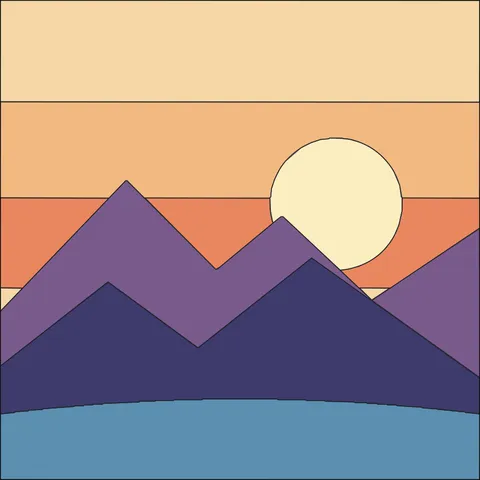
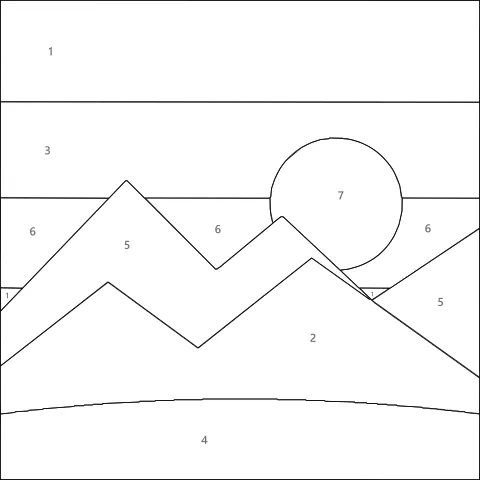
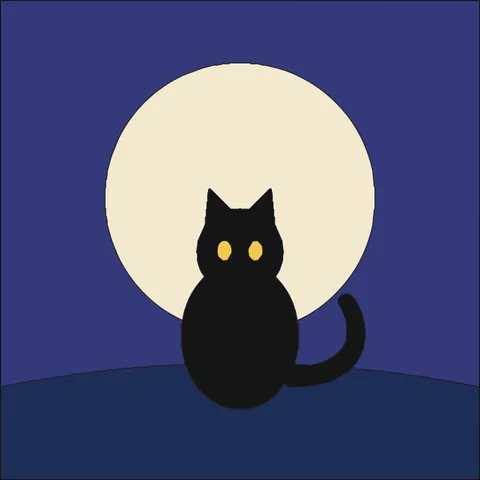
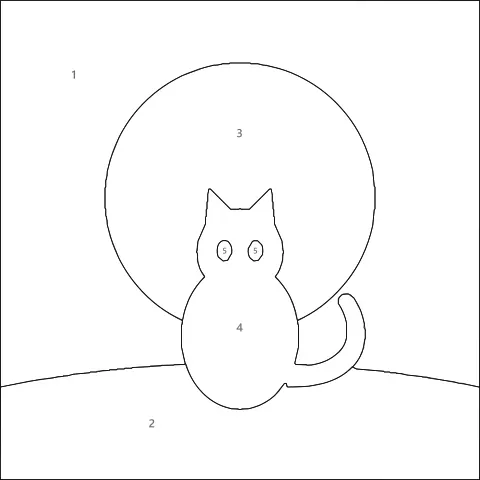
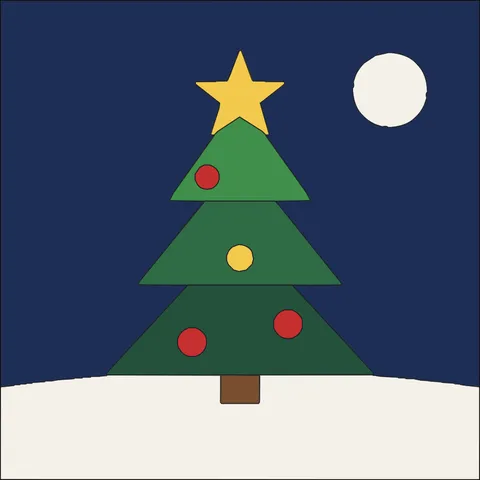
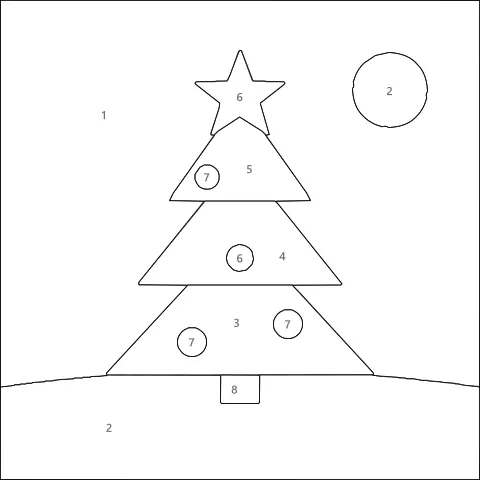
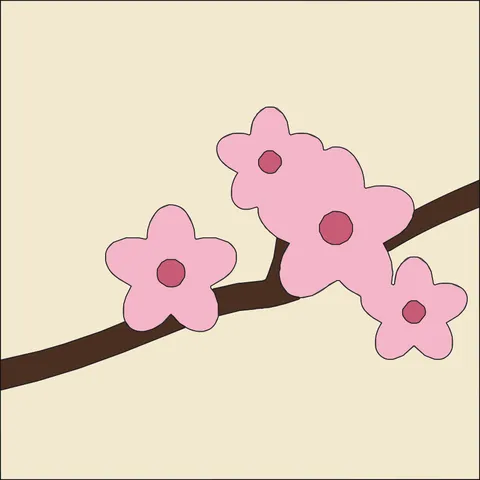
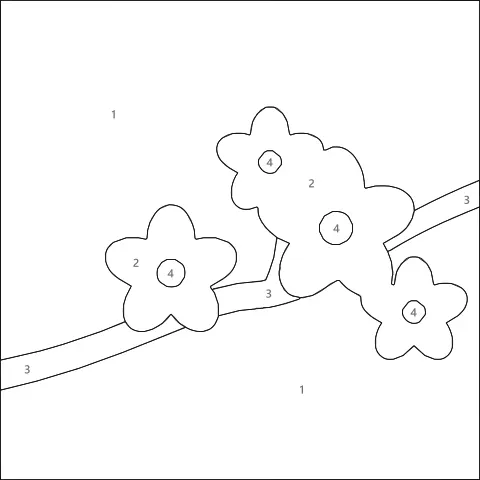
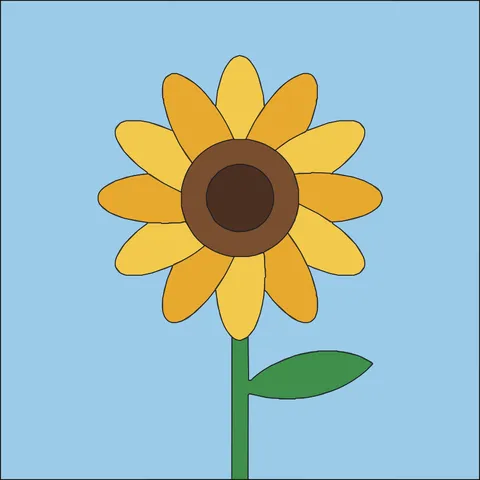
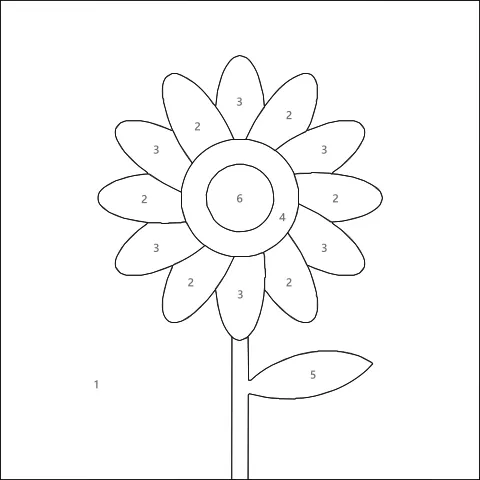
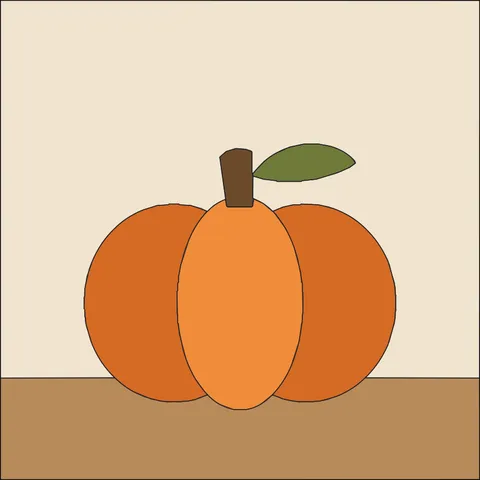
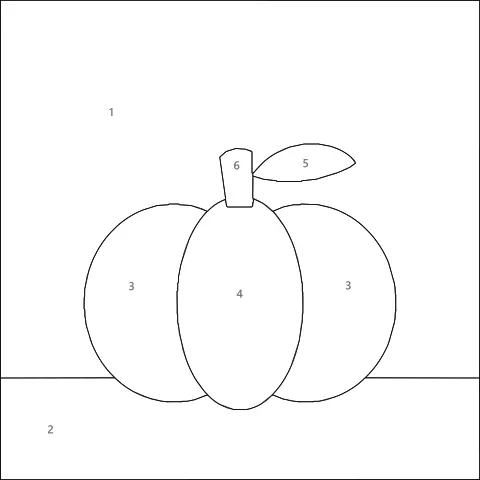
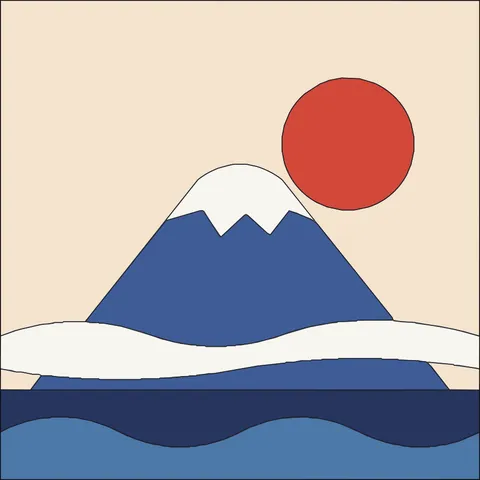
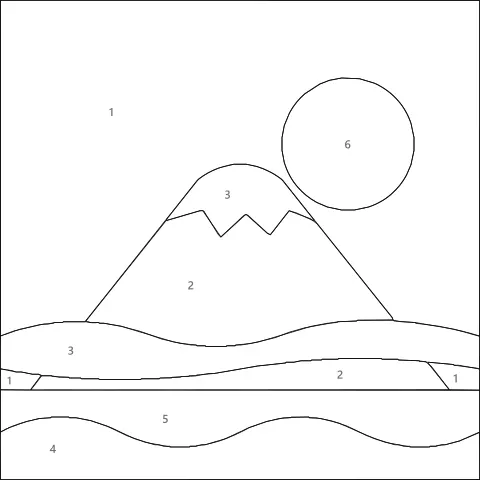
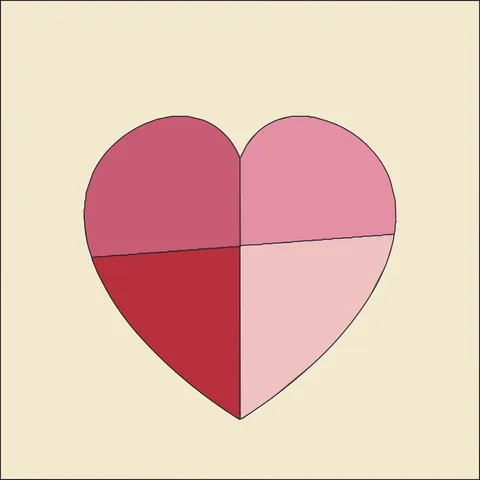
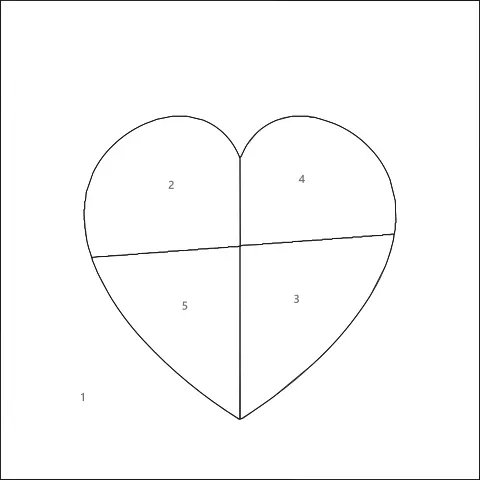
376 free patterns with a cut map, a numbered fabric map and fabric suggestions. Hover a card to see its cut lines.
What is Kinusaiga?
Kinusaiga (pronounced kee-noo-SAI-gah) is a Japanese fabric art in which a picture is built by tucking pieces of fabric into shallow grooves cut into a board. It looks like a quilt, but there is no sewing at all — the fabric is held in place by the tension of the grooves.
It grew out of kimekomi, the Japanese doll-making technique of pressing silk into grooved wood, and was adapted into flat pictures in Japan in the 1980s. Today most makers use foam board and quilting cotton, which makes it cheap, relaxing and very beginner friendly.
What you need for your first piece
- XPS foam board or thick foam core
- Fabric scraps or fat quarters (quilting cotton)
- Craft knife with fresh blades and a cutting mat
- Small sharp scissors
- Tucking tool: butter knife, seam ripper or palette knife
- Optional: double-sided adhesive sheets
Tips for turning photos into great kinusaiga patterns
Pick a clear subject
A pet portrait, a single flower or a house against the sky converts far better than a crowded group photo.
Start with 5–8 colors
Fewer colors mean bigger shapes and a calmer design. You can always add a color for an important detail like eyes.
Crop tight
Crop the photo around your subject before uploading. The subject should fill most of the board.
Use “Big & easy” first
For a first project, set Piece size to Large or Big & easy. Around 15–40 pieces is a relaxing one-evening project.
Tap the details
If eyes or a nose disappear, use “Tap to keep a detail” and tap them on the preview.
Think in light and dark
Fabric choice matters more than exact color. Match the lightness of each area and any print will work.
Kinusaiga pattern generator questions
How do I make a kinusaiga pattern from a photo?
Upload your photo to the generator above, pick your board size and the number of fabric colors, then press Print / Save PDF. You get a real-size cut map to trace onto foam, a numbered fabric map and a list of how much of each fabric you need.
Is this kinusaiga pattern generator really free?
Yes. The generator and all 376+ patterns in the free pattern library are free for personal projects with no account. Prints, SVG files and 300 DPI PNGs from the generator are free too, with no watermark.
Are my photos uploaded anywhere?
No. The pattern is calculated entirely inside your browser on your own device. Your photo is never sent to a server.
What kind of photo works best?
Photos with one clear subject, good contrast and a simple background work best: pets, flowers, houses, landscapes and silhouettes. Busy backgrounds create many tiny pieces; use the Piece size slider to merge them into bigger, easier shapes.
The pattern lost the eyes or nose — how do I keep them?
Leave Keep small details switched on, then press Tap to keep a detail and tap the eyes, nose or any feature on the preview. Each tapped feature becomes its own piece with its own fabric color. Cropping closer to the face or choosing a larger board also gives small features more room.
What size should I print my kinusaiga pattern?
For a first project choose 5 × 7 in or 8 × 8 in. Larger boards give room for more detail. Always print at 100% (“Actual size”) and check the 1-inch calibration bar on the cut map.
What materials do I need?
A foam board (XPS insulation foam works best), fabric scraps, a craft knife, scissors and a tucking tool such as a butter knife or seam ripper. See the full kinusaiga supplies list.
Can I sell artwork made from these patterns?
Yes, you can sell finished pieces you make by hand from your own photos or from our free patterns. Please do not resell or redistribute the pattern files themselves.
More free pattern makers
Perler Bead Pattern Maker
Photo to Perler, Hama, Artkal or MARD bead pattern with bead counts.
Pixel artPixel Art Converter
Turn any image into pixel art with a grid, color limits and dithering.
MinecraftMinecraft Pixel Art Generator
Image to Minecraft block art with wool, concrete and terracotta counts.
CrochetTapestry Crochet Pattern Maker
Image to tapestry crochet graph with row-by-row color changes.
BeadsKandi Pattern Maker
Kandi cuff and pony bead patterns from an image, with row counts.
MinecraftMinecraft Circle Generator
Pixel circles and ovals block by block, with row counts.