


Tapestry Crochet Designer
Design a tapestry crochet graph from a blank grid: set stitches wide and tall, paint yarn colors, and get written row-by-row color changes.
Pick a color, then click or drag on the grid. Fill paints a whole area; Ctrl+Z undoes.
Materials
| # | Color | Code | Name | Count |
|---|
Screen colors are approximate. Check tricky shades against your real beads or yarn.
Row by row
Row 1 is the bottom row. Letters match the materials list.
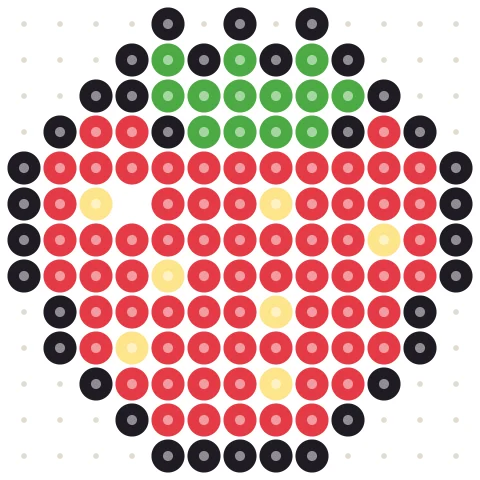
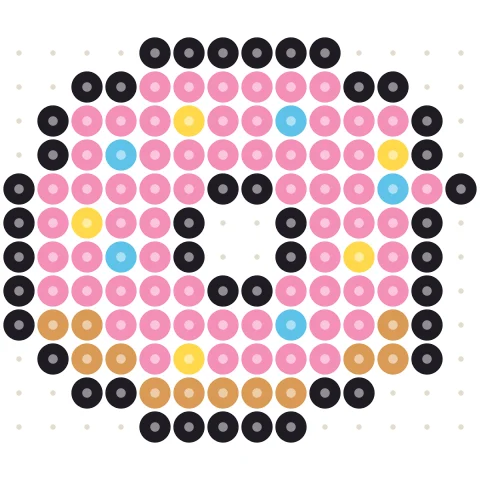
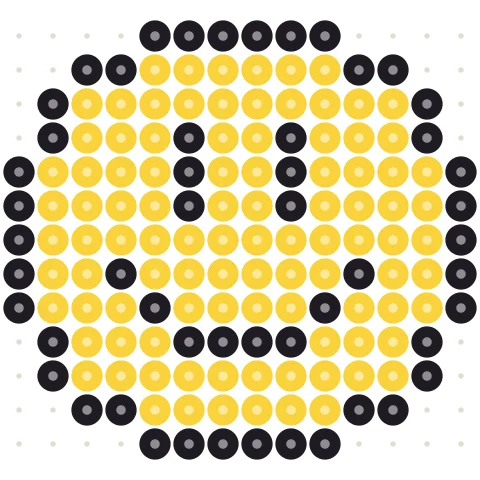
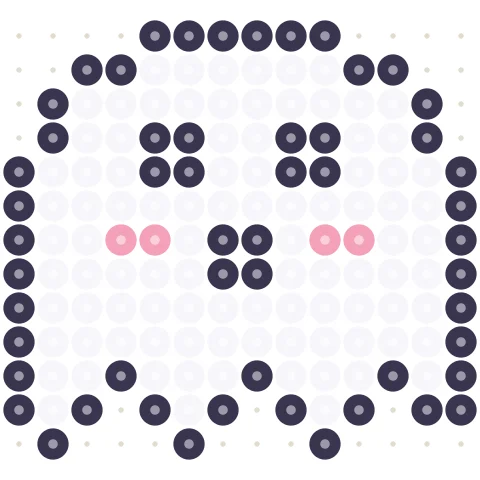
Start from a template
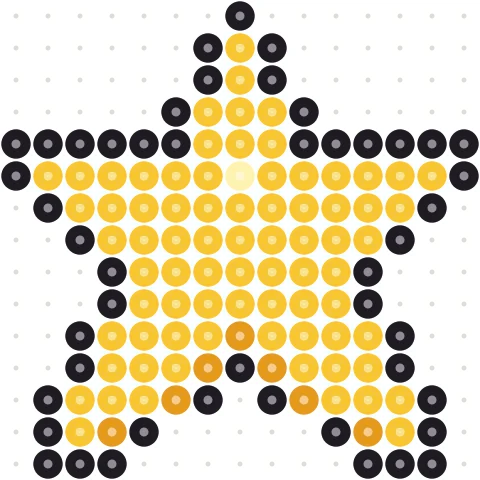
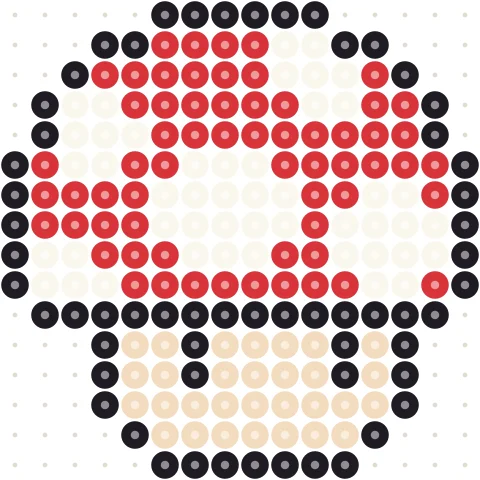
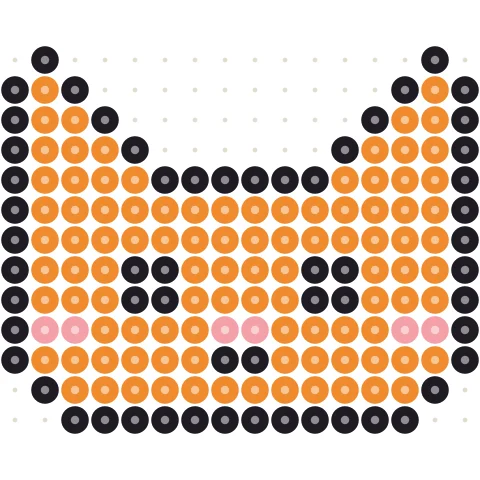
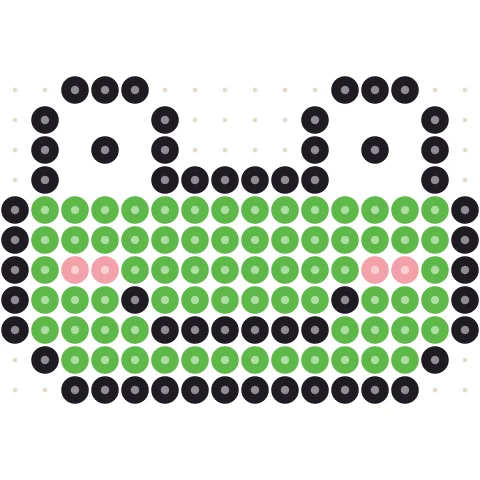
Click a pattern to load it into the designer above, then change anything you like.



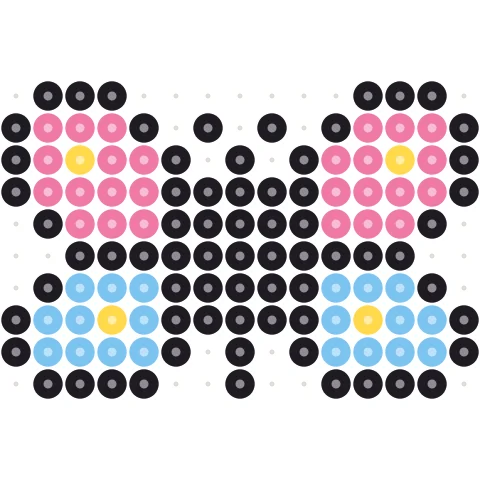
Design a tapestry graph in three steps
-
Size the piece
Set how many stitches wide and how many rows tall. 40 × 40 is a good first panel.
-
Paint the design
Pick yarn colors and paint stitch by stitch; fill whole areas in one click.
-
Crochet row by row
Follow the written rows, each listing how many stitches of each color to work.
Everything for planning colorwork
Any yarn colors
Pick free colors that match your stash, or keep a small palette of two to six shades.
Row-by-row instructions
Each row is written as stitch runs, like “5 A, 3 B, 5 A”.
Flat or in the round
Switch reading direction for flat panels or bags and baskets.
Stitch totals
See exactly how many stitches of each color you need.
Resize any time
Change width or height without losing your design.
Print it
Print the graph, the color key and the written rows.
Designing tapestry crochet graphs
Tapestry crochet draws a picture by switching yarn colors while you carry unused strands inside the stitches. Designing on a grid first keeps edges clean and color counts honest.
Width in stitches
Finished size depends on gauge: divide stitch count by stitches per inch (or per 10 cm). Single crochet is often a little wider than tall, so add a few rows if a square graph looks squat once worked.
Colors to carry
Two to four colors are easiest. Strong lightness contrast reads better than similar hues. Change color on the last pull-through of the stitch before the new color starts.
Prefer to start from a picture? Use the tapestry crochet pattern maker.
Tapestry crochet designer questions
How do I design a tapestry crochet graph?
Set width and height above, pick colors and paint the grid. The written rows below update as you draw.
Flat or in the round?
Use the toggle above the written rows. Flat alternates direction each row; in the round every row is read the same way.
Can I make a graph from a picture?
Yes, with the tapestry crochet pattern maker.
Is it free?
Yes, free with no account.
More free pattern makers
Tapestry Crochet Pattern Maker
Image to tapestry crochet graph with row-by-row color changes.
BeadsPerler Bead Pattern Maker
Photo to Perler, Hama, Artkal or MARD bead pattern with bead counts.
Pixel artPixel Art Converter
Turn any image into pixel art with a grid, color limits and dithering.
MinecraftMinecraft Pixel Art Generator
Image to Minecraft block art with wool, concrete and terracotta counts.
BeadsKandi Pattern Maker
Kandi cuff and pony bead patterns from an image, with row counts.
MinecraftMinecraft Circle Generator
Pixel circles and ovals block by block, with row counts.