
Pixel Art Converter: Image to Pixel Art with a Grid
Turn a photo, logo or drawing into clean pixel art. Choose how many pixels wide it should be and how many colors to keep, then follow the numbered grid or download it.
Pick a color in the list below, then paint or fill on the pattern.
Materials
| # | Color | Code | Name | Count |
|---|
Screen colors are approximate. Check tricky shades against your real beads or yarn.
Convert an image to pixel art in three steps
-
Upload an image
Photos, drawings, logos and screenshots all work. Simple shapes with strong outlines give the crispest results.
-
Set the resolution
Pick a width from 16 to 128 pixels (or type your own) and limit the number of colors with the slider.
-
Refine and export
Paint over any pixel, then download a PNG with grid and color key or print the chart with row and column numbers.
A pixel art grid you can actually follow
Numbered grid
Every row and column is numbered and bold lines mark every 10 pixels, so you can copy the art onto paper, a spreadsheet or graph paper.
Color limits
Keep 2 to 64 colors. The converter picks the colors that matter most in your image instead of a fixed retro palette.
Dithering on demand
Floyd–Steinberg dithering turns smooth gradients into a classic pixel pattern. Leave it off for flat, clean shapes.
Craft palettes
Switch the palette to Perler beads or Minecraft blocks to see how the same art looks in a real material.
Pixel editor
Fix single pixels with paint, fill, erase and pick tools. Undo and redo are always one click away.
Private by design
The conversion runs in your browser. Your images are never uploaded.
Free Perler bead patterns
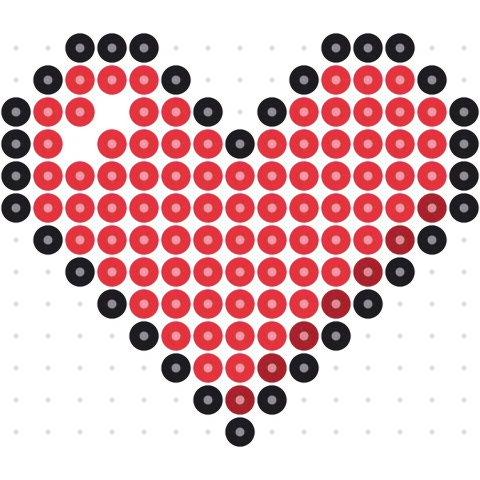
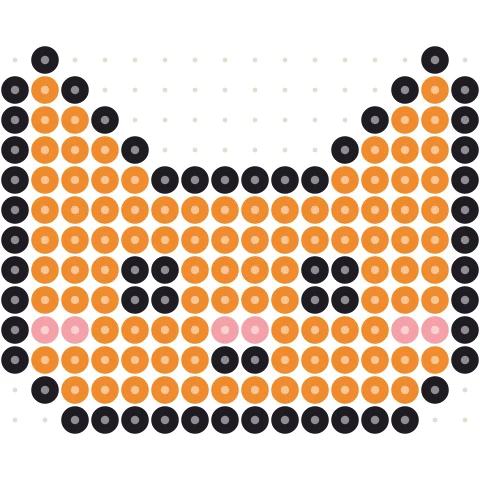
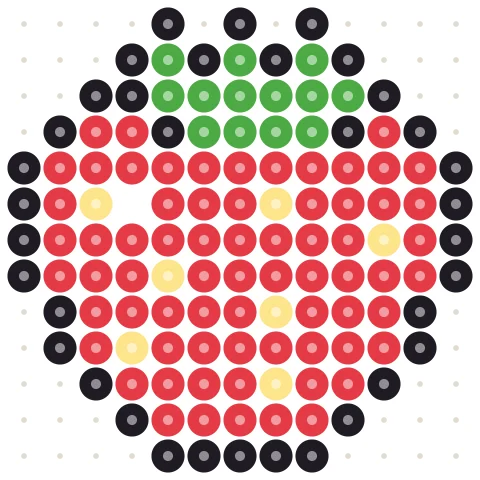
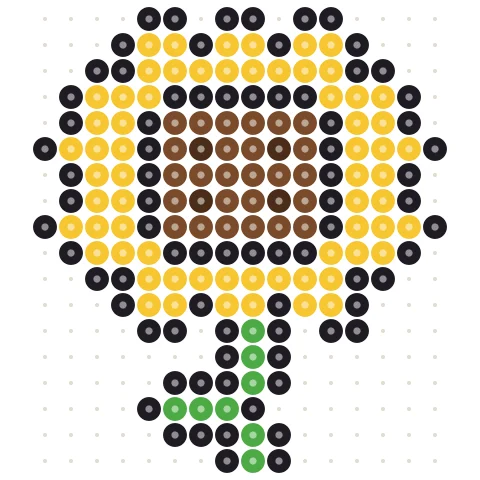
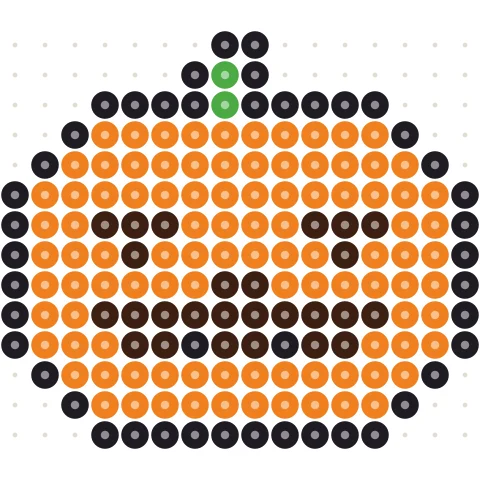
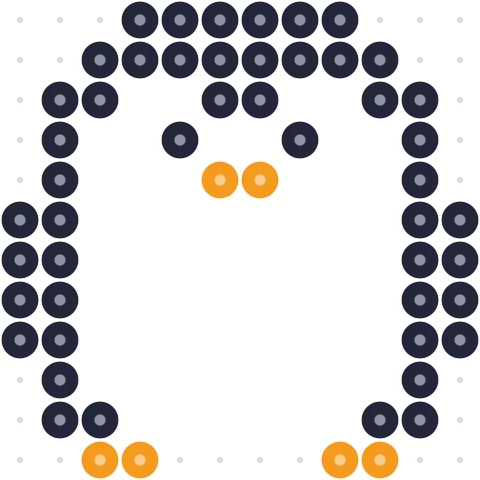
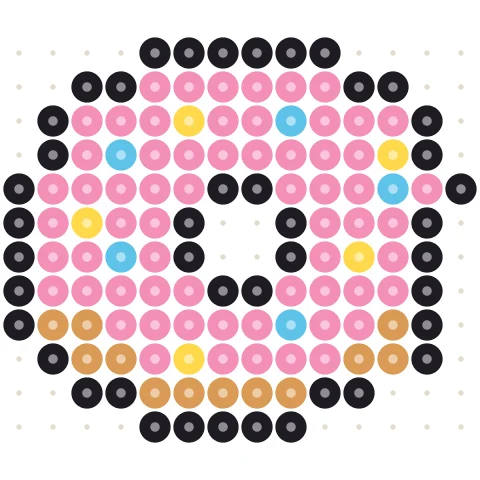
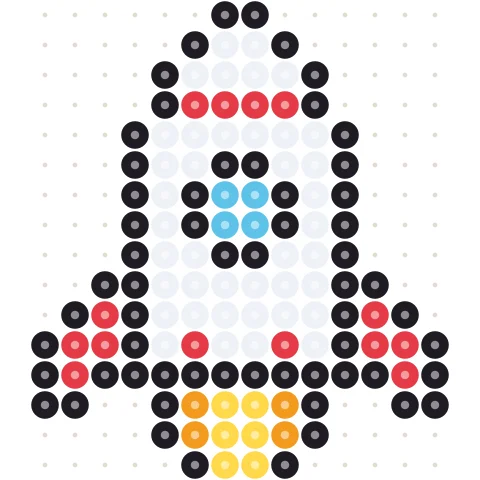
205 original designs that each fit one pegboard, with bead-by-bead charts and color codes for Perler, Hama, Artkal and MARD. Print them, or open any pattern in the maker to change colors and size.
Getting good pixel art from a photo
Pixel art is an image built from a small grid of solid squares. Converting a photo is mostly about two choices: how many pixels and how many colors.
Resolution
16 × 16 and 32 × 32 are classic icon and sprite sizes: only bold shapes survive. 48 to 64 pixels wide is the sweet spot for characters, pets and logos. 96 to 128 pixels keeps faces and landscapes recognizable but starts to look like a mosaic rather than pixel art.
Colors
Hand-made pixel art rarely uses more than 16 colors. Lower the color count until the image still reads clearly, then fix details by hand. Dithering helps with skies and soft shading; for logos and cartoons keep it off.
What to do with your pixel art
- Make it in beads with the Perler bead pattern maker.
- Build it block by block with the Minecraft pixel art generator.
- Crochet it as a blanket or bag with the tapestry crochet pattern maker.
- Stitch it: every pixel is one cross stitch. Check the finished size with the cross stitch calculator.
Pixel art converter questions
How do I convert an image to pixel art?
Upload the image above, choose a width in pixels and the maximum number of colors. The pixel art appears instantly with a numbered grid. Download it as PNG or print the chart.
What size should my pixel art be?
16–32 pixels for icons and sprites, 48–64 for characters and pets, 96–128 for portraits and landscapes. Smaller sizes need simpler, high-contrast images.
Can I get a pixel art grid to copy by hand?
Yes. Turn on Show codes to label every cell, then print. Rows and columns are numbered and bold lines mark every 10 pixels.
What does dithering do?
Dithering mixes neighboring pixels of two colors to fake a shade in between, which keeps gradients smooth with few colors. It also adds texture, so leave it off for logos and cartoons.
Can I use my own palette?
You can let the converter pick the best colors from your image or switch to the Perler bead or Minecraft block palette. Custom palettes are planned.
Is my image uploaded?
No. Everything runs locally in your browser and nothing is sent to a server.
More free pattern makers
Pixel Art Maker
Draw pixel art online on a grid of any size, with any colors.
BeadsPerler Bead Pattern Maker
Photo to Perler, Hama, Artkal or MARD bead pattern with bead counts.
MinecraftMinecraft Pixel Art Generator
Image to Minecraft block art with wool, concrete and terracotta counts.
CrochetTapestry Crochet Pattern Maker
Image to tapestry crochet graph with row-by-row color changes.
BeadsKandi Pattern Maker
Kandi cuff and pony bead patterns from an image, with row counts.
MinecraftMinecraft Circle Generator
Pixel circles and ovals block by block, with row counts.