
Free Online Pixel Art Maker
Draw pixel art in your browser on a 16 × 16, 32 × 32 or any size grid. Pick any color, paint, fill and erase with undo, then export a crisp PNG or a numbered chart.
Pick a color, then click or drag on the grid. Fill paints a whole area; Ctrl+Z undoes.
Materials
| # | Color | Code | Name | Count |
|---|
Screen colors are approximate. Check tricky shades against your real beads or yarn.
Start from a template
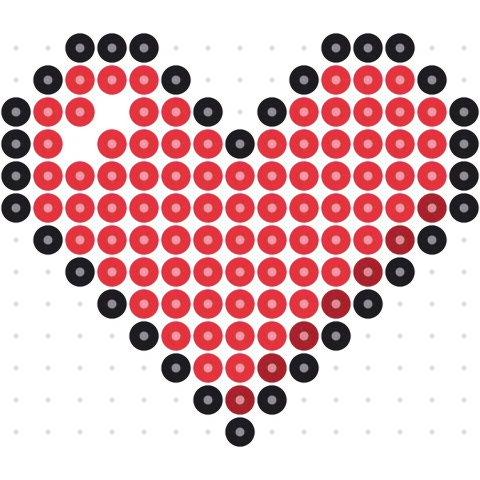
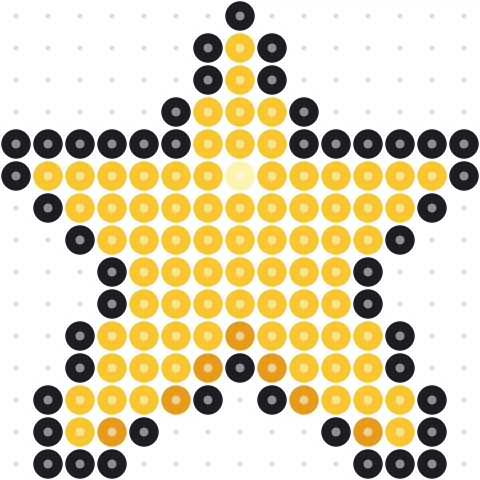
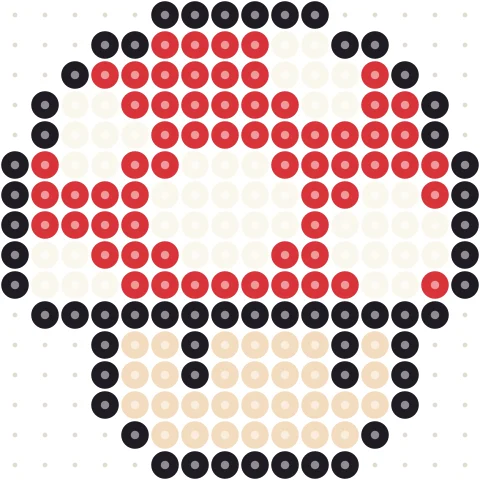
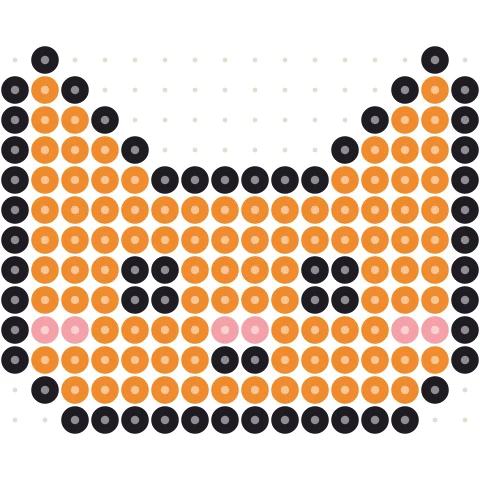
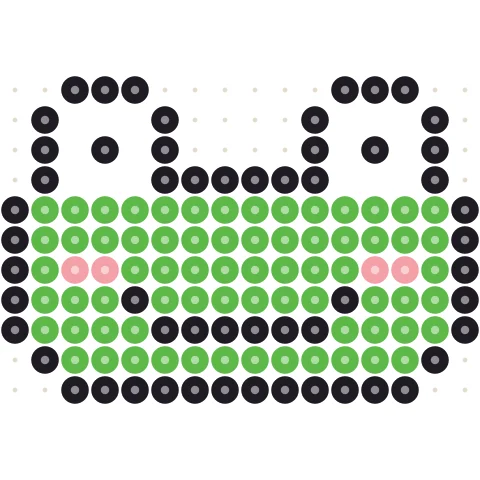
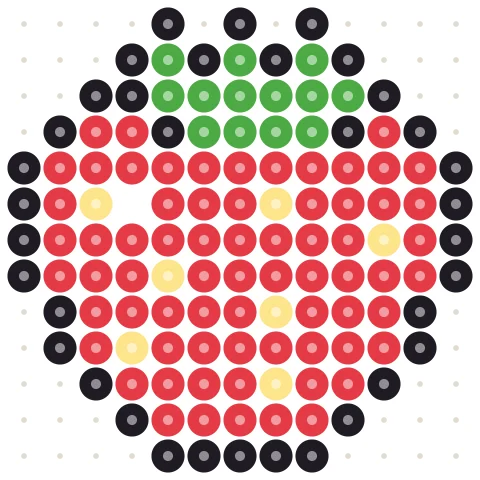
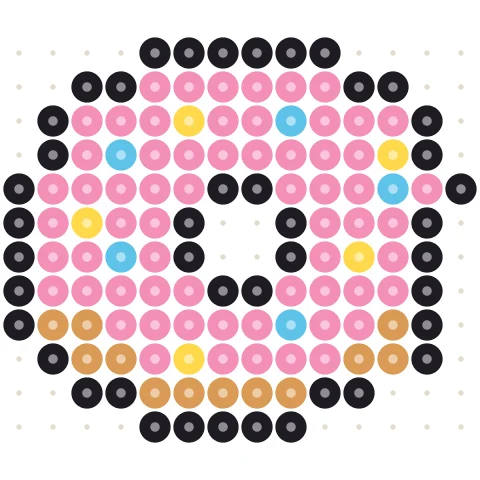
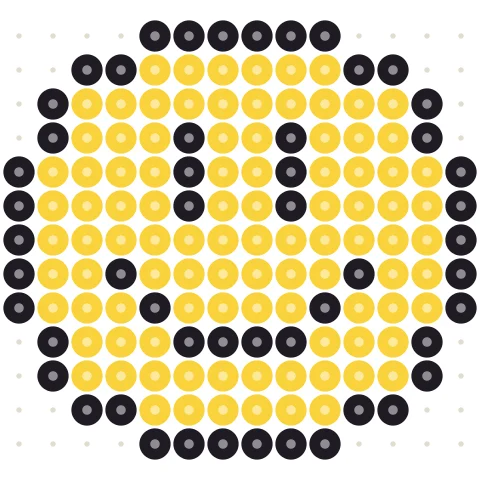
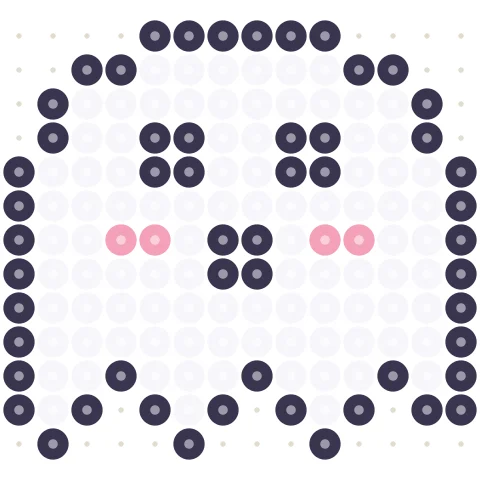
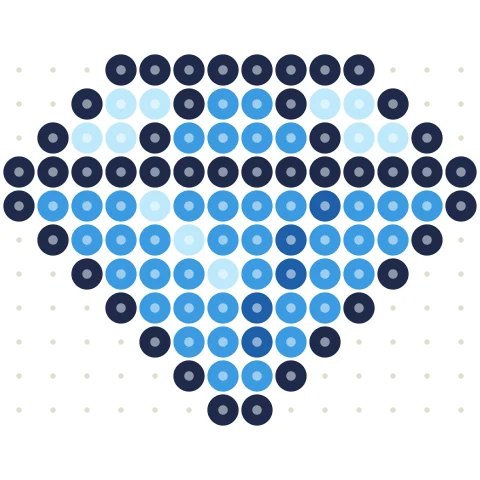
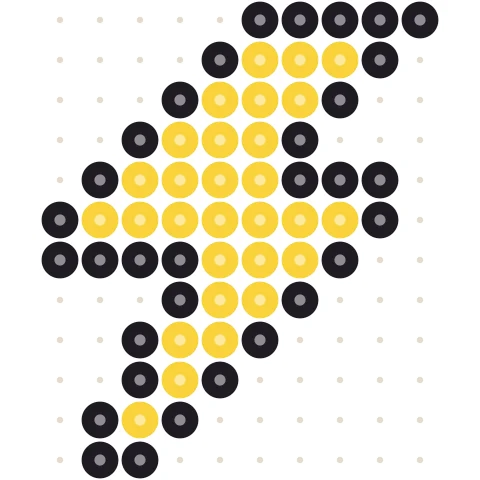
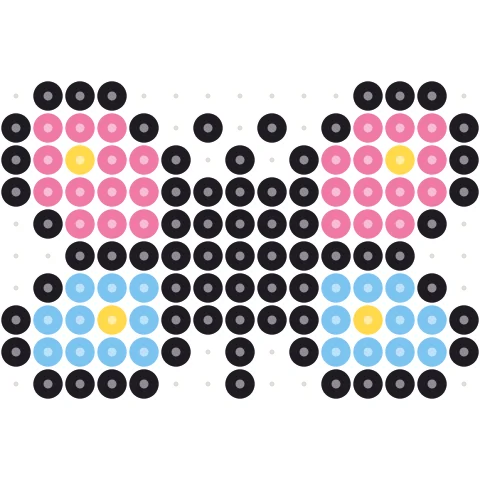
Click a pattern to load it into the designer above, then change anything you like.
Draw pixel art in three steps
-
Choose the canvas
Set the width and height in pixels. 16 × 16 and 32 × 32 are classic sprite and icon sizes.
-
Paint pixels
Pick a color from the palette or add your own, then click or drag. Fill paints an area in one click.
-
Export
Download a PNG, print a chart with row and column numbers, or save the color list as CSV.
Simple tools that stay out of your way
Any canvas size
From 8 × 8 icons to 200-pixel-wide scenes. Change the size at any time without losing your drawing.
Any color
Start with a palette of everyday colors and add any color by its hex code to My colors.
Paint, fill, erase, pick
The four tools every pixel artist needs, plus unlimited undo and redo.
Craft palettes
Switch to Perler bead or Minecraft block colors to plan your art for a real material.
Numbered grid
Toggle the grid, bold lines every 8 pixels, and row and column numbers for copying by hand.
No sign-up
Everything runs in your browser. Nothing is uploaded.
Getting started with pixel art
Pixel art is drawn one square at a time, so every pixel matters. A few habits make a big difference:
Start small
16 × 16 forces you to keep only the essential shapes, which is the best way to learn. Move up to 32 × 32 for characters with faces and clothes.
Limit your palette
Pick four to eight colors before you start: an outline color, a base, one shadow and one highlight per material. Fewer colors give a cleaner, more readable result.
Avoid jagged lines
Curves look smoother when each step of the line is the same length or changes gradually: 3-2-1 rather than 3-1-2.
Want to start from a picture? The pixel art converter turns any image into pixel art. Finished pieces can become Perler bead patterns or Minecraft builds.
Pixel art maker questions
How do I make pixel art online?
Set the canvas size above, pick a color and click on the grid to paint pixels. Use Fill for larger areas and download a PNG when you are done.
What size should pixel art be?
16 × 16 or 32 × 32 for icons and sprites, 64 × 64 for detailed characters. You can change the size at any time.
Can I use my own colors?
Yes. Type a hex code such as #FF8800 under My colors, or pick one with the color swatch next to it. The color is saved there for next time.
Can I turn a photo into pixel art?
Yes, with the pixel art converter. You can then fix details by hand.
Is it free?
Yes, free and with no account. Your drawing never leaves your device.
More free pattern makers
Pixel Art Converter
Turn any image into pixel art with a grid, color limits and dithering.
BeadsPerler Bead Pattern Maker
Photo to Perler, Hama, Artkal or MARD bead pattern with bead counts.
MinecraftMinecraft Pixel Art Generator
Image to Minecraft block art with wool, concrete and terracotta counts.
CrochetTapestry Crochet Pattern Maker
Image to tapestry crochet graph with row-by-row color changes.
BeadsKandi Pattern Maker
Kandi cuff and pony bead patterns from an image, with row counts.
MinecraftMinecraft Circle Generator
Pixel circles and ovals block by block, with row counts.