


Make a cross stitch pattern from a photo
Upload a picture and get a counted cross stitch chart matched to DMC floss, with a printable color key and how many stitches of each number you need.
Pick a color in the list below, then paint or fill on the pattern.
Materials
| # | Color | Code | Name | Count |
|---|
Matching uses CIEDE2000 (ΔE00). Screen swatches are still approximate — check close shades against real beads, floss, or drills.
Step-by-step manual for this tool
Width presets, default ~20 DMC colors, CIEDE2000, stitch counts, edit and gallery remap.
Cross stitch maker guide
From photo to cross stitch chart in three steps
-
Upload a picture
Clear subjects with good contrast work best: pets, logos, simple portraits, illustrations.
-
Set width and colors
Choose how many stitches wide the chart is and how many DMC shades to keep.
-
Stitch from the key
Print the chart and buy floss by the DMC numbers and stitch counts in the materials list.
A chart you can buy floss for
Full DMC palette
Every square maps to a real DMC floss number from the full 489-color range.
Stitch counts per color
See exactly how many stitches use each code so you can buy the right skeins.
Editable chart
Paint, fill and erase stitches after conversion to clean up tiny confetti colors.
Background removal
Drop a plain backdrop so the subject fills the chart.
Print and PDF
Print the grid, the key and the counts, or save a PDF.
Size with the calculator
Check finished size on any Aida count with the <a href="/cross-stitch-calculator/">cross stitch calculator</a>.
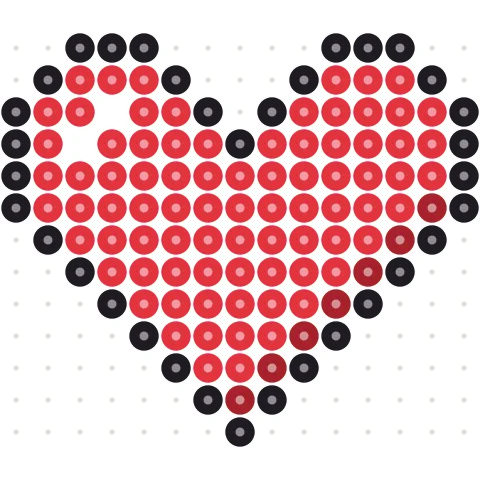
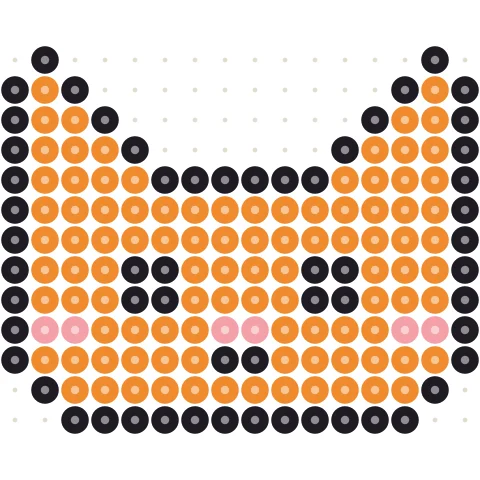
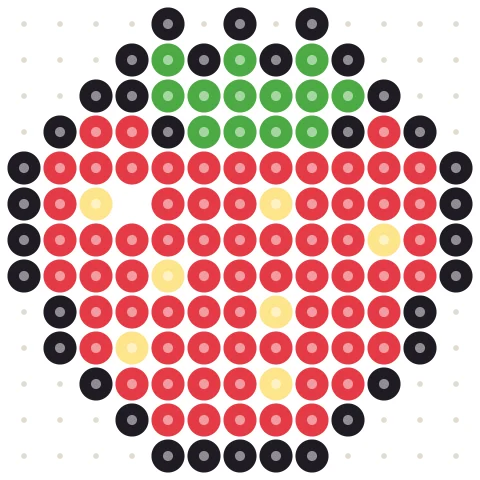
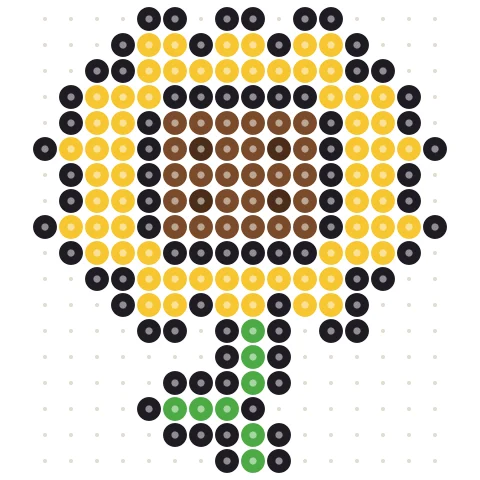
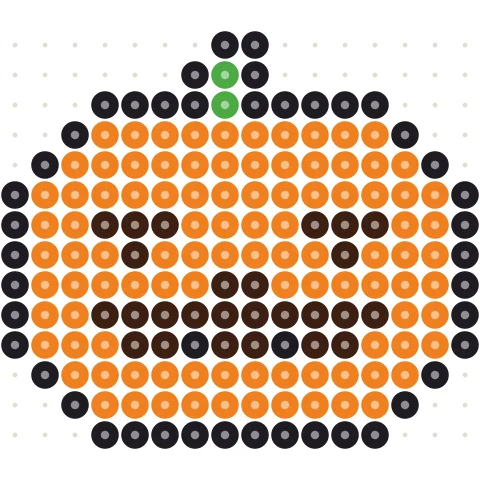
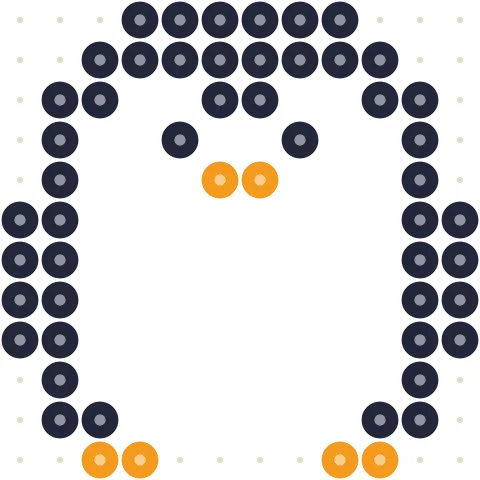
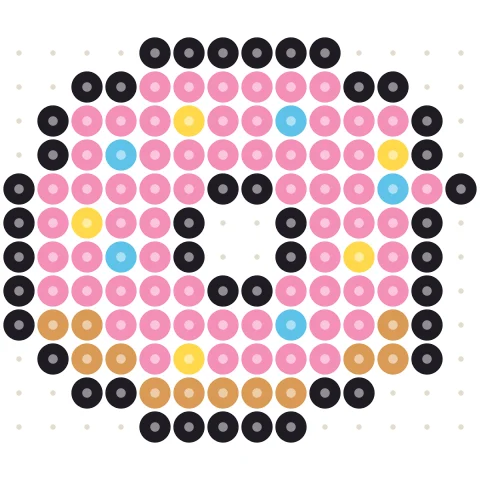
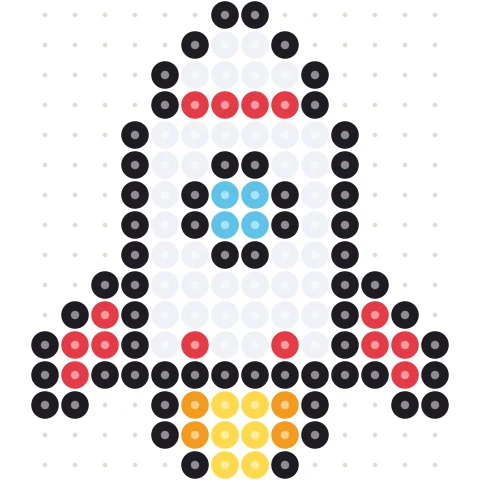
Free Perler Bead Patterns
391 original designs, from cute animals and food to easy Perler bead patterns for beginners, each fitting one pegboard with bead-by-bead charts and color codes for Perler, Hama, Artkal and MARD. Use them as fuse bead patterns for any brand, as Perler bead ideas for keychains, magnets, gifts and wall bead art, or print them and press Edit to open the Perler bead designer and change colors and size.
How photo-to-cross-stitch charts work
Each square is one cross stitch. Pick a width (often default 80, up to 300) and a color cap (often ~20), and every cell snaps to the nearest DMC code.
Choosing width and color count
80–140 stitches wide suits most photo projects. 15–30 DMC shades is a solid start for portraits and pets; too many colors create confetti stitches. Keep cleanup on if the chart looks speckled.
Materials and fabric size
Materials lists stitch counts per DMC number, not skein packages. Finished size is stitches ÷ fabric count — use the calculator with margins before cutting fabric. Screen swatches are approximate; check close shades against real skeins.
Prefer diamonds or beads?
The same picture can become a diamond painting chart or a Perler bead pattern.
Cross stitch pattern maker questions
How do I make a cross stitch pattern from a photo?
Upload the photo, pick a width (default ~80 stitches; presets up to 300) and max colors (default ~20). The chart and DMC key appear in your browser.
Does it use real DMC numbers?
Yes — the full ~489 DMC range. Shop by those numbers.
Is the materials number how many skeins I need?
No — it is stitches per code. Estimate skeins from that total and your fabric count.
How big will the piece be?
Divide stitch width by fabric count, or use the cross stitch calculator.
Can I edit the chart?
Yes. Paint, fill, erase or Replace all after conversion, then print again.
Is my photo uploaded?
No. Everything runs in your browser; the image never leaves your device.
Can I draw without a photo?
Yes — use the cross stitch designer.
Where is the full how-to?
See photo to cross stitch and the designer guide. Gallery detail pages can open a pattern as cross stitch.
More free pattern makers
Cross Stitch Designer
Draw a counted cross stitch chart stitch by stitch in DMC floss colors.
Cross stitchCross Stitch Calculator
Finished size and fabric to buy for any Aida or evenweave count.
Cross stitchDiamond Painting Pattern Maker
Custom diamond painting chart from a photo with DMC-coded drill counts.
Cross stitchDiamond Painting Designer
Design a diamond painting chart drill by drill with DMC-coded colors.
BeadsPerler Bead Pattern Maker
Photo to Perler, Hama, Artkal, MARD (185/221/291), Nabbi or Beadles minis — with bead counts.
Pixel artPixel Art Converter
Turn any image into pixel art with a grid, color limits and dithering.