
Perler Bead Designer
Draw a fuse bead pattern from scratch on a virtual 29 × 29 pegboard, or as many boards as you need, with real bead colors, live bead counts and a printable chart.
Pick a color, then click or drag on the grid. Fill paints a whole area; Ctrl+Z undoes.
Materials
| # | Color | Code | Name | Count |
|---|
Screen colors are approximate. Check tricky shades against your real beads or yarn.
Start from a template
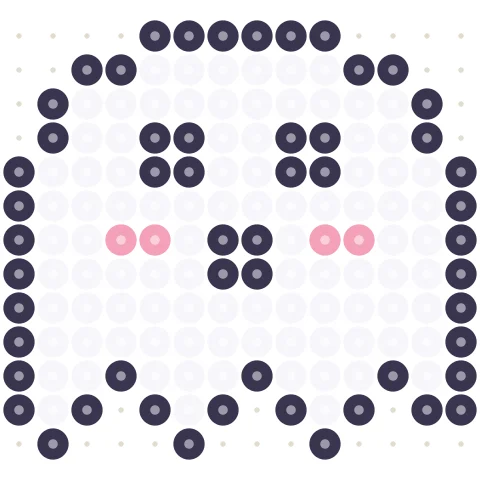
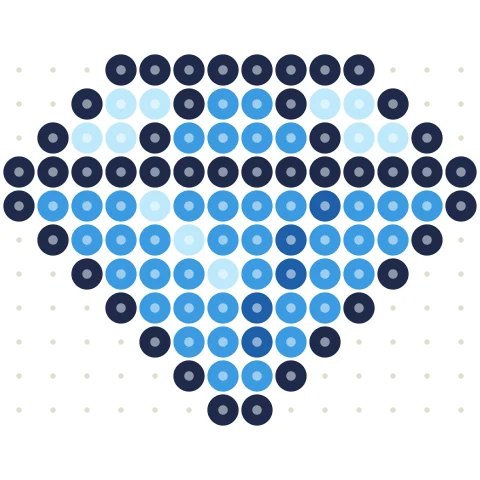
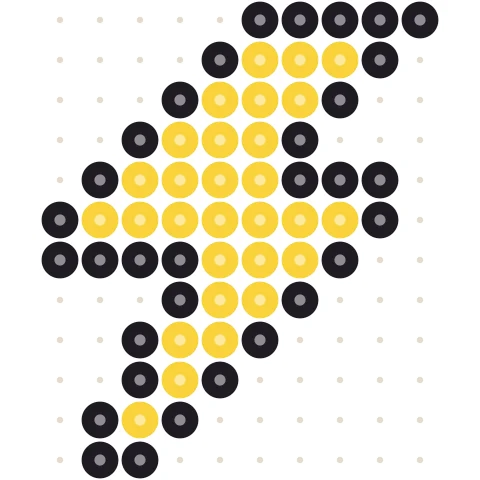
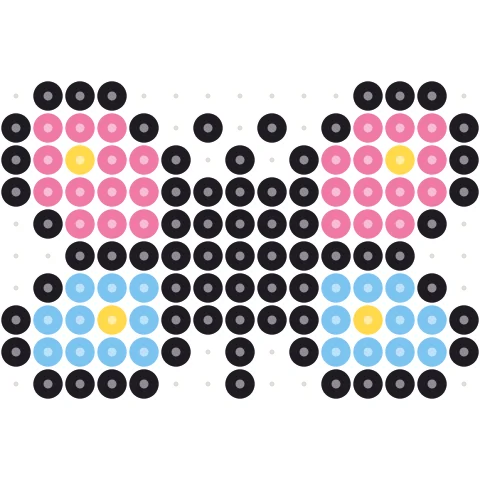
Click a pattern to load it into the designer above, then change anything you like.
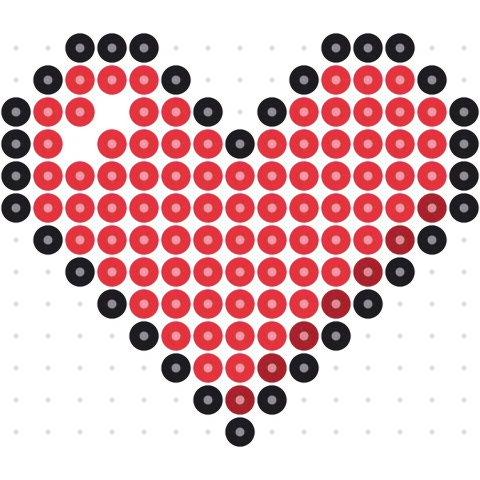
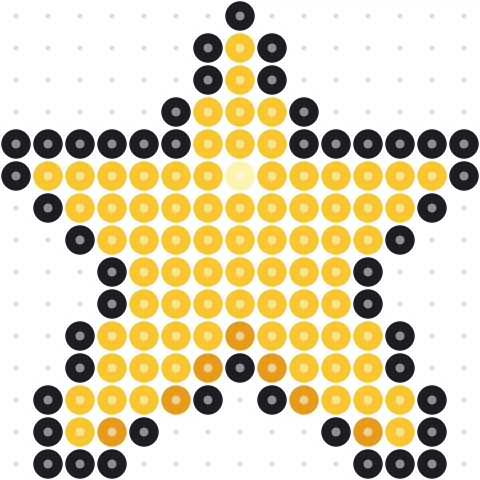
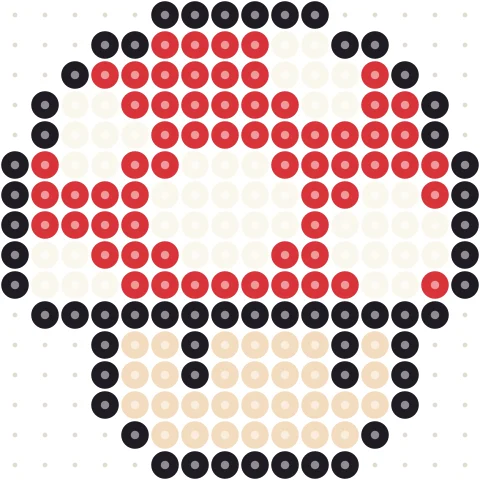
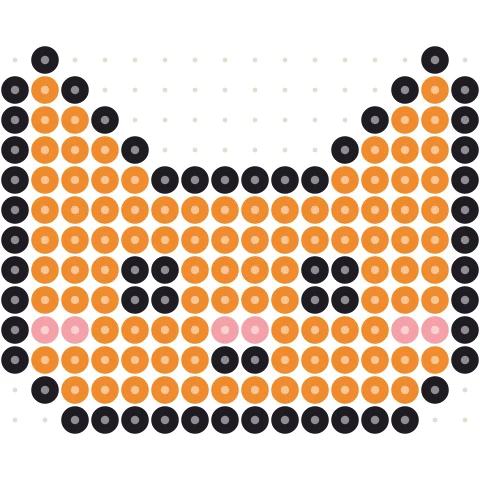
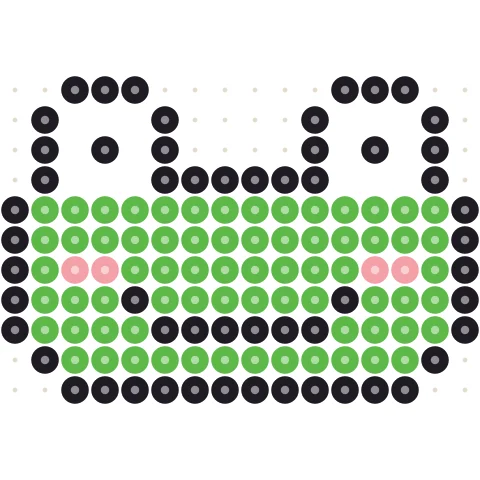
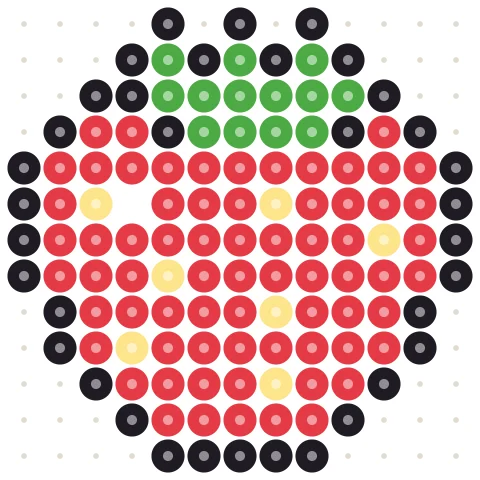
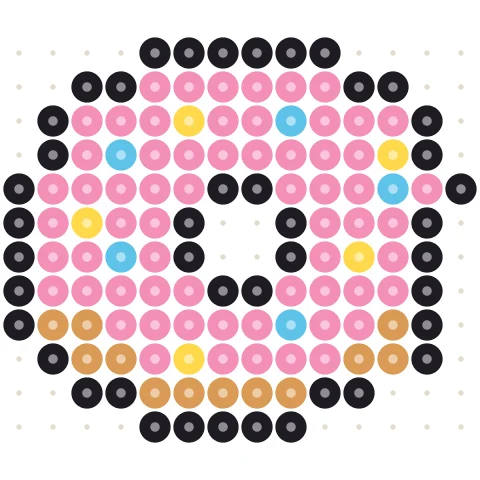
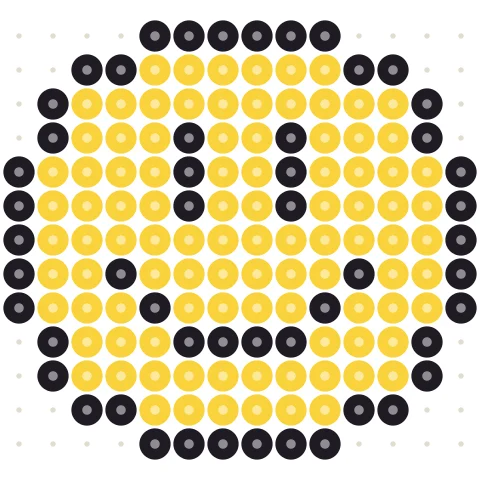
Design a bead pattern in three steps
-
Set up the board
Pick your bead brand and the board size in beads. One large square pegboard is 29 × 29.
-
Draw bead by bead
Pick a color and click or drag to place beads. Fill colors a whole area, erase removes beads, undo is always there.
-
Print and iron
Print the chart with a letter in every bead and the shopping list, then place the beads and iron.
A virtual pegboard with real bead colors
715 real colors
Every Perler, Hama Midi, Artkal S, MARD and Nabbi color, with its official code and name.
Any board size
Start with one 29 × 29 board or set any width and height up to five boards across.
Live bead counts
The bead list updates with every bead you place, ready to print or download as CSV.
Switch brands
Change the brand at any time; every bead is re-matched to the closest color of the new brand.
Start from a free pattern
Open any design from the gallery and change it instead of starting from a blank board.
Prints one board per page
Large designs print one pegboard per page with row and column numbers.
Tips for designing your own bead patterns
Designing directly on a grid gives you full control: every bead is exactly where you want it, which is how most sprite and character patterns are made.
Start with the outline
Draw the outline first in black or a dark color, then fill the shapes with Fill. A one-bead outline keeps small designs readable from a distance.
Keep colors few
Each extra color is another bag of beads. Most good designs use four to eight colors; shading works best with two tones of the same color.
Think about strength
Beads only fuse to their neighbors, so single beads that touch only at a corner break off easily. Connect thin parts with at least one bead side by side.
Prefer to start from a picture? Use the Perler bead pattern maker to convert a photo, or browse the free Perler bead patterns.
Perler bead designer questions
How do I design my own Perler bead pattern?
Choose your bead brand and board size above, pick a color and click on the grid to place beads. When you are done, press Print / Save PDF for the chart and the bead list.
Can I make patterns bigger than one pegboard?
Yes. Type any width and height; the red lines show where each 29 × 29 board ends, and printing gives one page per board.
Can I edit an existing pattern?
Yes. Open any design from the free pattern gallery and press Edit in the bead designer, or start from a photo in the pattern maker.
Is my design saved?
Your design stays in this browser tab. Download a PNG or print to PDF to keep it.
Is it free?
Yes, free with no account and no watermark. Sign in only if you want to publish your pattern to the community gallery.
More free pattern makers
Perler Bead Pattern Maker
Photo to Perler, Hama, Artkal or MARD bead pattern with bead counts.
BeadsKandi Pattern Maker
Kandi cuff and pony bead patterns from an image, with row counts.
BeadsKandi Pattern Designer
Design a kandi cuff row by row in pony bead colors.
Pixel artPixel Art Converter
Turn any image into pixel art with a grid, color limits and dithering.
MinecraftMinecraft Pixel Art Generator
Image to Minecraft block art with wool, concrete and terracotta counts.
CrochetTapestry Crochet Pattern Maker
Image to tapestry crochet graph with row-by-row color changes.