
Kinusaiga Designer
Build your own no-sew fabric picture from simple shapes. The designer turns it into a real-size cut map and numbered fabric map, and merges parts that would be too thin to tuck.
Click a shape to select it. Drag to move; use the handles to resize and rotate, Shift keeps proportions. Click to place corners. Click the first corner or press Enter to finish, Esc to cancel. Replace all: pick a color on the right, then click a shape or the background; every piece of that color takes the new color. Background selected: click a color on the right to change it. Dark lines show the real cut lines. Parts thinner than about 4 mm (1/6") are merged into a neighbour so they can still be tucked.
Fabric list
| # | Color | Suggested fabric | Pieces | Fabric needed |
|---|
Start from a free pattern
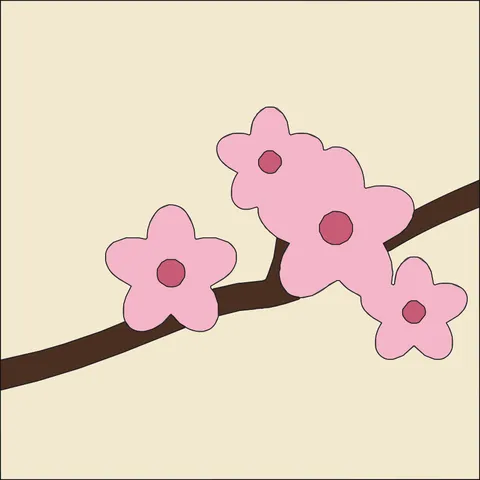
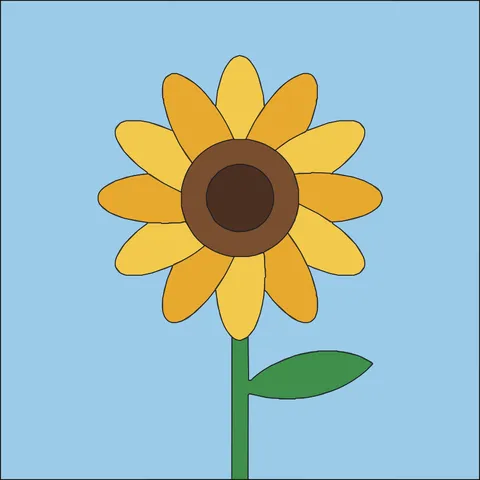
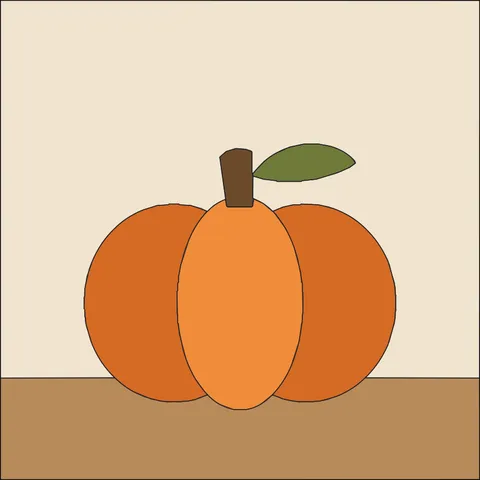
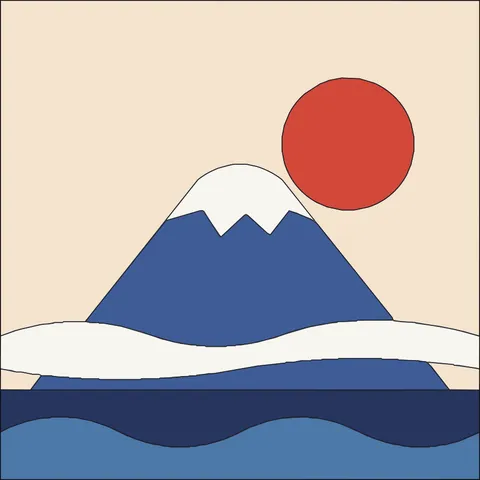
Click a pattern to load it into the designer above, then change anything you like.
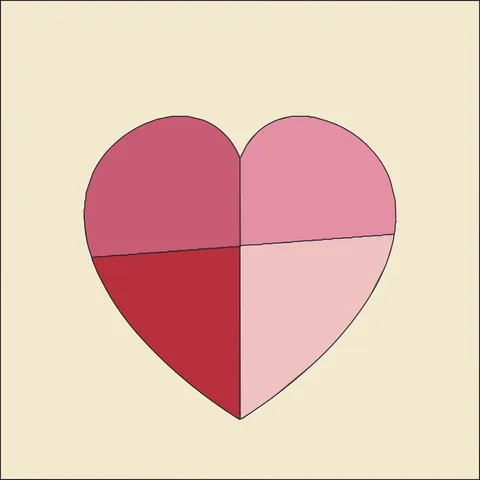
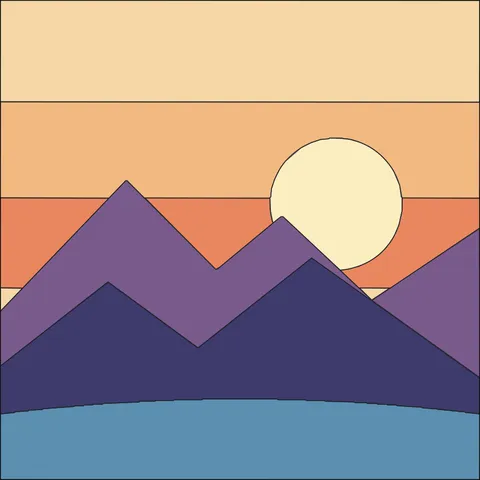
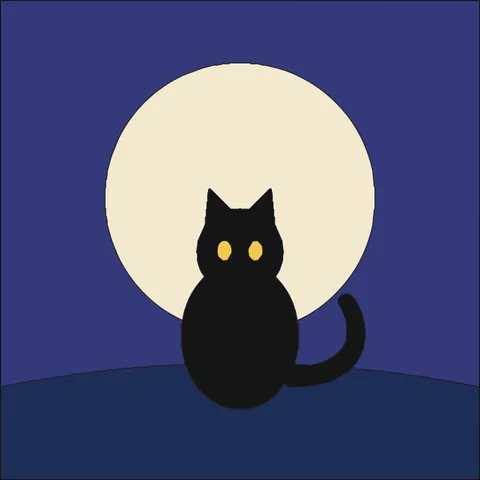
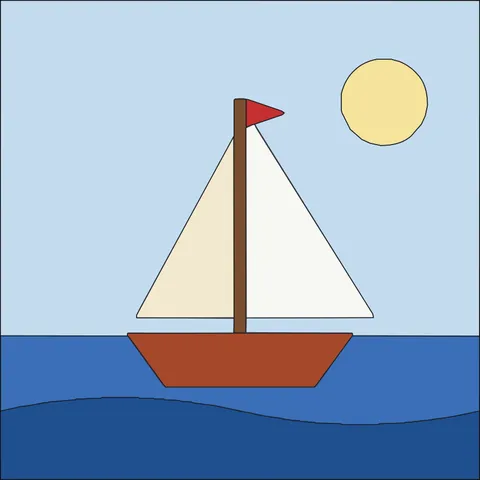
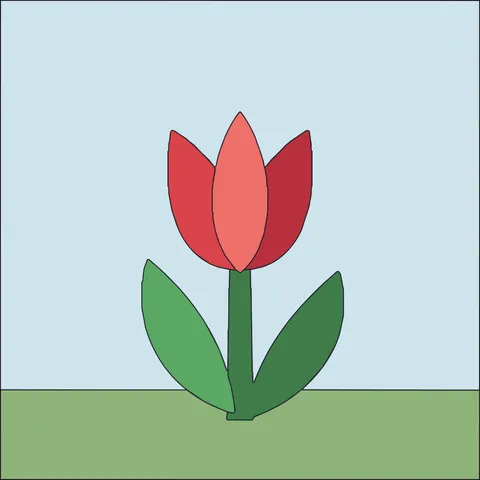
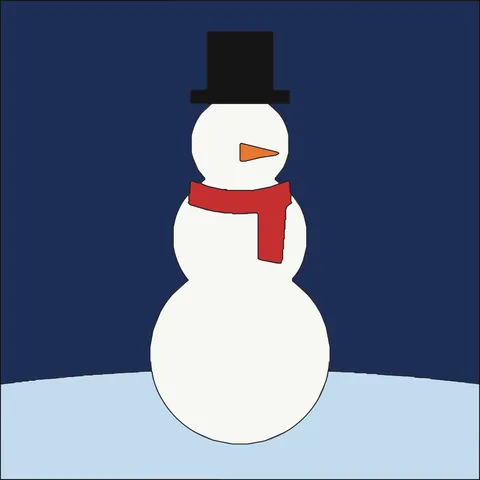
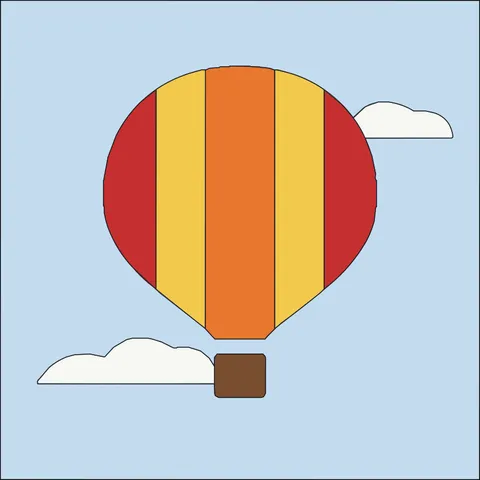
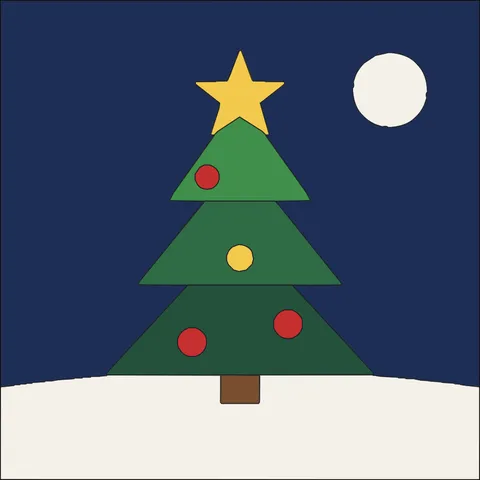
Design a kinusaiga in three steps
-
Lay out the shapes
Pick from 20 shapes such as circles, stars, hearts, moons, clouds, leaves, waves and mountains, or draw your own with the pen. Drag, resize and rotate them, and stack them front to back.
-
Choose the colors
Click a color to give it to the selected shape or the background. Replace all (R) changes every piece of one color at once, and My colors keeps your favorites.
-
Print and tuck
Check the cut map, print it at 100% and score the lines into your foam board, then tuck the fabric into the grooves.
Made for fabric, not just for screens
Real cut lines, live
Every change is turned into the actual cut map within a moment, shown right on top of your design.
Tuck-friendly pieces
Slivers and tiny islands narrower than about 4 mm are merged into a neighbour, the same rules as our free pattern library.
20 shapes and a pen
Ready-made shapes from squares to crescent moons and mountains, plus a pen for your own outlines. Resize, rotate, flip, duplicate and reorder them from the toolbar.
Start from a free pattern
Open any of the <a href="/free-kinusaiga-patterns/">free kinusaiga patterns</a> in the designer, recolor its pieces or add your own shapes on top.
Real board sizes
Design for 5 × 5 up to 8 × 10 inch boards, portrait or landscape. The minimum piece size follows the board size.
Print, PNG and SVG
Print a real-size cut map with a 1-inch check, or save both maps as one two-page PNG or SVG file.
Tips for designing kinusaiga
Kinusaiga is made by tucking fabric into grooves cut into a foam board, so a good design is mostly about clean, tuckable shapes.
Big shapes first
Start with the background and the large areas, then add the details on top. Five to fifteen pieces make a relaxed first project.
Avoid slivers
Very thin gaps between shapes cannot hold fabric. If the cut lines show a part being merged away, make it wider or move the shapes apart.
Let the fabric do the work
A printed or textured fabric can carry a whole area on its own. Use a few contrasting fabrics rather than many similar ones.
Prefer to start from a photo? Use the kinusaiga pattern maker. New to kinusaiga? Read the beginner tutorial.
Kinusaiga designer questions
How do I design my own kinusaiga pattern?
Add shapes above, color them with your fabrics and arrange them on the board. When the cut lines look right, press Print / Save PDF or save the PNG or SVG.
Why did part of my shape disappear from the cut map?
Parts narrower than about 4 mm (1/6") are too thin to tuck fabric into, so they are merged into the neighbouring piece. Make the part wider, or choose a larger board.
Can I edit one of the free patterns?
Yes. Open a pattern from the free pattern library and press Edit in the designer. Each piece becomes a shape you can recolor, move or delete.
Is my design saved?
Your design is saved in this browser automatically, so it is still there when you come back. Print or save a PNG or SVG to keep a copy.
Is it free?
Yes, free with no account and no watermark on the cut map.
More free pattern makers
Kinusaiga Pattern Maker
Photo to no-sew kinusaiga fabric art: real-size cut map, fabric map and 370+ free patterns.
BeadsPerler Bead Pattern Maker
Photo to Perler, Hama, Artkal or MARD bead pattern with bead counts.
Pixel artPixel Art Converter
Turn any image into pixel art with a grid, color limits and dithering.
MinecraftMinecraft Pixel Art Generator
Image to Minecraft block art with wool, concrete and terracotta counts.
CrochetTapestry Crochet Pattern Maker
Image to tapestry crochet graph with row-by-row color changes.
BeadsKandi Pattern Maker
Kandi cuff and pony bead patterns from an image, with row counts.